
Your Cart is Empty


Getting Started with ZBrush for iPad - Hotkey Customization
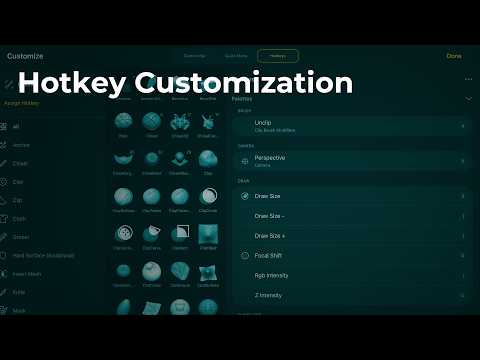

Video From YouTube : Maxon ZBrush
This informative video from MAXON introduces viewers to the essential process of customizing hotkeys in ZBrush for iPad, enhancing the user experience and workflow efficiency. It covers how to tailor hotkeys for brushes, pickers, and palettes, allowing for a more personalized approach to digital sculpting. The tutorial also emphasizes the importance of saving custom hotkey setups, ensuring easy access and consistency across projects. Ideal for both beginners and experienced users, this video serves as a valuable resource for anyone looking to optimize their ZBrush experience on the iPad platform. Discover the art of customization and streamline the creative process.
If you like this content please subscribe to the Pixologic YouTube Channel

Browse MAXON Products
Makers of ZBrush
Also in Design News



