Your Cart is Empty


Getting Started: QUICKSURFACE for SOLIDWORKS – Setting Mesh Color
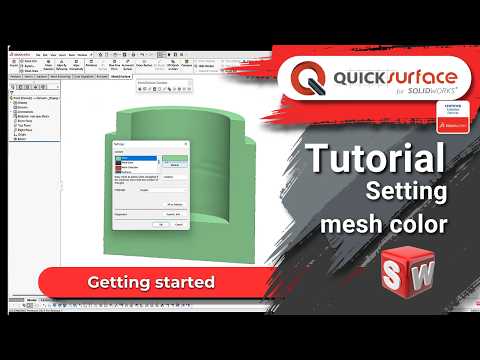

Video From YouTube: QUICKSURFACE
Clear visual identification is essential when working with multiple scan meshes. This tutorial shows how to set and manage mesh colors inside QUICKSURFACE for SOLIDWORKS, streamlining organization and improving workflow efficiency. Techniques cover assigning colors, grouping meshes, and maintaining consistent visual cues for faster model inspection and selection. The add-in converts 3D scan meshes into accurate, editable CAD models directly within SOLIDWORKS, facilitating reverse engineering tasks. Note: Mesh2Surface appearing in the video refers to the same software; it was renamed to QUICKSURFACE for SOLIDWORKS in 2025. QuickSurface provides tools aimed at simplifying mesh management for engineers and designers across industries.
If you like this content please subscribe to the QuickSurface YouTube Channel

Browse QuickSurface Products
From 3D Scan to CAD model
Also in Design News