Your Cart is Empty


For a predetermined surface, add gems, prongs and cutters at one go using TiaraCAD

Video From YouTube: BlueStone Learning
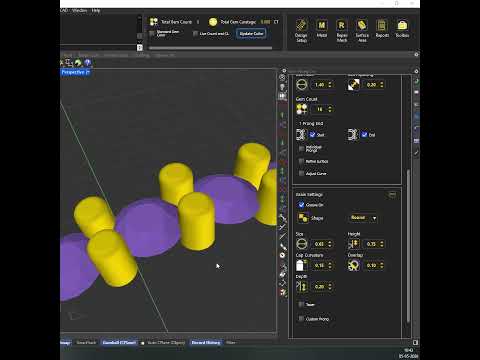
TiaraCAD streamlines jewelry design by allowing gems, prongs, and cutters to be placed on a predetermined surface in a single operation. Whether working with a single curve, polycurve, or curve on a surface, designers can select gem size and position stones and grains efficiently. Placement can begin from the center or an end, with precise control over start point, grain size, height, and overlap. Default round, square, and combi prongs are available, along with custom prong options. Cutters are added automatically, helping speed up production and improve consistency in complex designs.
If you like this content please subscribe to the TiaraCAD YouTube Channel

Browse TiaraCAD Products
Polysurface based Jewelry Plug-in for Rhino
Also in Design News