
Your Cart is Empty


Easily Build Your Own Materials in SketchUp & Rhino — Here's How 🔨
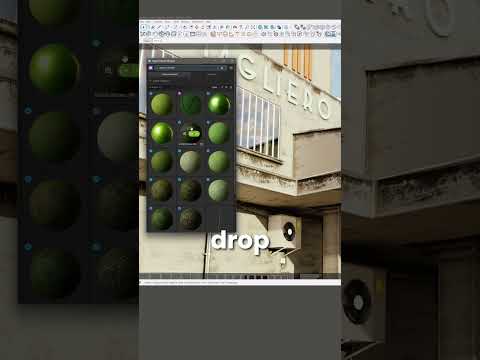

Video From YouTube: V-Ray ArchViz
In this exciting video from Chaos Group, viewers will discover how to create and modify materials seamlessly in SketchUp and Rhino using V-Ray’s innovative Node-Based Material Editor. This powerful tool enhances the creative process by enabling artists to handle complex shaders with greater clarity and control. The video provides an insightful overview of the latest features introduced in V-Ray 7, showcasing the capabilities of Update 3. Learn how to build materials visually and simplify workflows, making the rendering process more intuitive and efficient. Perfect for designers and artists looking to elevate their projects with advanced material management techniques.
If you like this content please subscribe to the Chaos Group TV YouTube Channel

Browse Chaos Group Products
Powerful and Easy Rendering
Also in Design News






