
Your Cart is Empty


DraftSight Batch Print Tutorial: Multi-Sheet PDFs in a Couple of Clicks
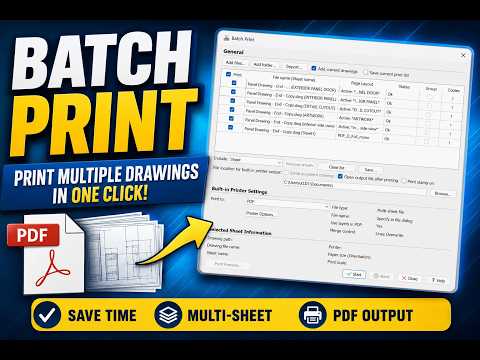

Video From YouTube: DraftSight
This informative tutorial from Dassault Systemes introduces users to the efficient Batch Print feature in DraftSight, designed to streamline the printing process of CAD drawings. Viewers will discover how to effortlessly print entire projects or multiple drawings in just a few clicks, including the ability to compile everything into a single multi-sheet PDF. The video covers two methods to access Batch Print, guides users through adding drawings to the print list, and demonstrates how to set up and save a reusable Page Layout. By the end, viewers will be equipped to apply their layout across all sheets, ensuring consistency and saving valuable time.
If you like this content please subscribe to the DraftSight YouTube Channel

More Info on DraftSight
World Class DWG Editor
Also in Design News






