Your Cart is Empty


Create Patterns on surfaces with Curves and / or Objects in TiaraCAD
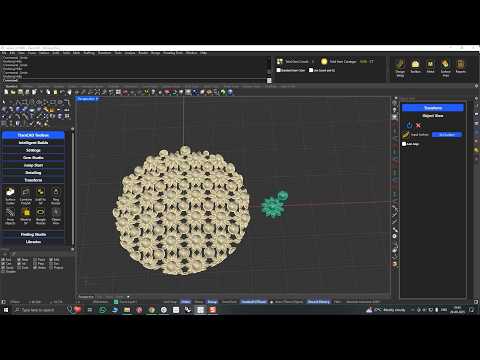

Video From YouTube: BlueStone Learning
Learn how to create decorative surface patterns and jali textures in TiaraCAD using curves or objects as the base. This tutorial shows how to generate rectangular or hexagonal layouts and customize the cross-section to be circular or rectangular, depending on production needs. It demonstrates a flexible workflow for designing detailed patterns on surfaces with precision and efficiency. Ideal for users exploring parametric modeling and fabrication-friendly design options, this guide highlights practical tools for building clean, repeatable textures in TiaraCAD.
If you like this content please subscribe to the TiaraCAD YouTube Channel

Browse TiaraCAD Products
Polysurface based Jewelry Plug-in for Rhino
Also in Design News