
Your Cart is Empty


Copy to Tex Folder in Cargo | Greyscalegorilla + KitBash3D
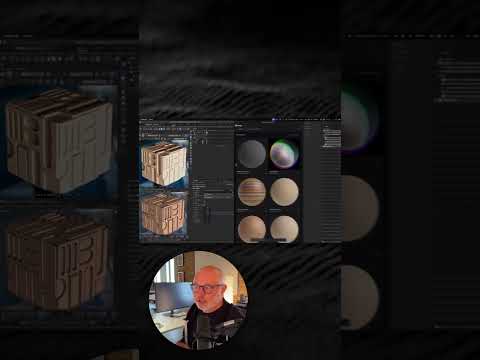

Video From YouTube: Greyscalegorilla
In this informative video, viewers will learn how to streamline their workflow by configuring settings to automatically copy assets to the tex folder within Cargo. This feature enhances productivity, allowing users to create stunning renders in less time. The tutorial offers step-by-step guidance on utilizing Cargo effectively, showcasing the platform's capabilities alongside assets from KitBash3D. Additionally, viewers are encouraged to explore over 100 free assets and to join a community on Discord for further engagement and support. The video serves as a valuable resource for both beginners and experienced users looking to elevate their rendering projects.
If you like this content please subscribe to the Greyscalegorilla YouTube Channel

Browse Greyscalegorilla Products
Tools + Training for 3D
Also in Design News






