Your Cart is Empty


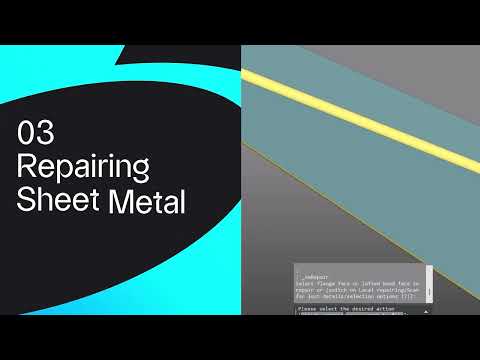
Converting, repairing, and unfolding sheet metal | BricsCAD V27 tutorial

Video From YouTube: Octave BricsCAD
Graebert demonstrates how to convert imported solids into recognized sheet metal parts, repair geometry, and generate accurate flat patterns ready for manufacture. The tutorial explores new V27 features that streamline unfolding workflows, automate repair of common issues, and produce reliable flat patterns. Dataset used in the demo is available for download, and a 30-day trial of V27 can be obtained for hands-on practice. Practical tips and step-by-step procedures guide users from solid models to manufacturable sheet metal assemblies, improving speed and reducing errors in production-ready documentation. Ideal for CAD and manufacturing professionals and teams seeking efficient, reliable sheet metal workflows.
If you like this content please subscribe to the Bricsys YouTube Channel

Browse Bricsys Products
Professional, familiar DWG‐based 2D & 3D CAD
Also in Design News