Your Cart is Empty


Cinema 4D Tip: Modular Cartoon Facial Modeling in Cinema 4D


Cartoon features succeed when they communicate personality before detail. In Cinema 4D, the most effective workflow is to build simple, controllable forms that read clearly from the camera—not to model every anatomical feature literally. A few well-placed shapes, clean silhouettes, and intentional asymmetry can make a character feel expressive in minutes.
Start by establishing the character’s head as the primary design container. Whether you use a sphere, capsule, or softened cube, keep the overall silhouette readable at a small size. Add a Subdivision Surface only after the base proportions work. This keeps the model easy to adjust as the design evolves.
- Prioritize proportion over realism. Large eyes, a small nose, and a wide mouth are familiar cartoon conventions because they direct attention to expression. Scale features aggressively, then evaluate them through the intended camera.
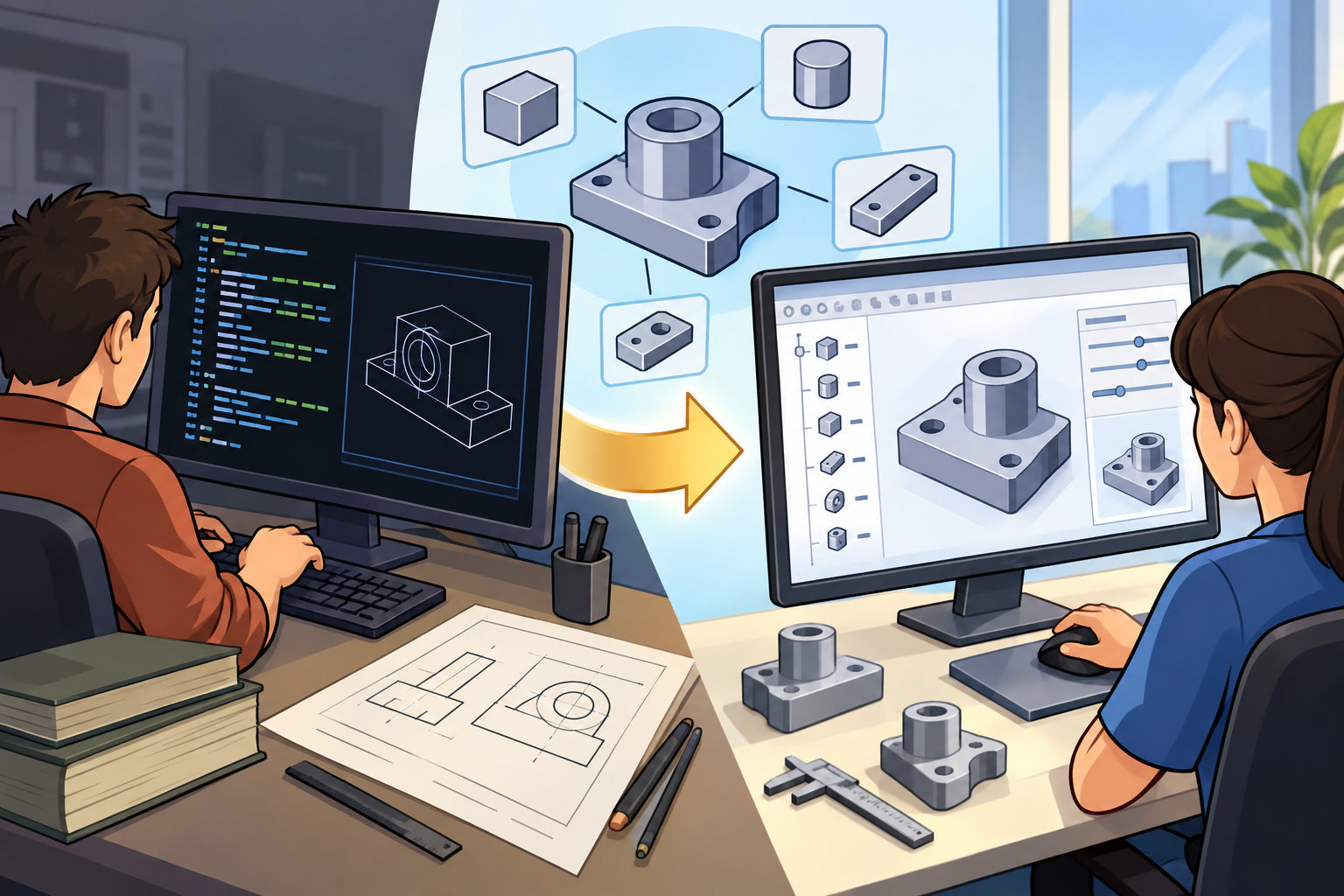
- Work with separate objects first. Build eyes, eyelids, eyebrows, ears, nose, teeth, and tongue as independent objects. This makes posing, material assignment, and animation far easier than embedding everything into one mesh.
- Use primitives strategically. Spheres and capsules are ideal for eyeballs, flattened spheres work well for cheeks, and splines with Sweep objects can create clean brows, smiles, or stylized lashes.
For the eyes, begin with simple spheres and avoid placing them perfectly flush with the face. Let them project slightly forward so they remain readable in profile and three-quarter views. Add a smaller dark sphere or flattened disc for the pupil, then use a tiny white highlight object to give the eyes life. Even in a non-realistic character, this highlight creates an immediate focal point.
Eyebrows are among the most powerful emotional controls in a cartoon face. A pair of editable splines inside Sweep objects provides a highly flexible solution. Adjust their arc, thickness, rotation, and distance from the eyes to shift the character from friendly to confused, skeptical, or surprised. Do not mirror them perfectly: a subtle offset or rotation often produces a more appealing, natural expression.
When creating a mouth, decide whether it needs to be a graphic shape or a functional opening. For still images and simple motion, a spline-based mouth with a dark material may be all you need. For close-up animation, create an inset mouth cavity and add separate tongue and teeth objects. Keep the interior simple, because excessively detailed mouths can clash with a stylized design.
- Use Symmetry for construction, not necessarily for the final result. Model the neutral face symmetrically, then introduce controlled asymmetry in brows, eyelids, smile corners, and cheeks.
- Bevel hard transitions. Small bevels on lips, teeth, eyelids, or nose forms catch light and prevent a synthetic, razor-sharp appearance.
- Check the silhouette constantly. Switch to flat shading or a clay material and orbit the model. If the expression only works because of textures or colors, improve the geometry.
- Test with a camera early. Cartoon features are often designed for a specific viewing angle. Use the camera view while scaling and positioning facial elements.
Lighting also affects how well the features read. A soft key light, gentle fill, and rim light will separate the ears, nose, and eye forms without creating distracting realism. Materials should support the character design: slightly rough skin-like surfaces, darker eye sockets or mouth interiors, and restrained specular highlights typically work better than complex textures.
Finally, name and group every facial component in the Object Manager. Place related elements such as each eye, eyebrow, and mouth part under dedicated nulls. This organization is essential when you later animate expressions with Pose Morph, constraints, or custom controllers.
For Cinema 4D tools, plugins, learning resources, and workflow upgrades, explore Cinema 4D at NOVEDGE. A clean, modular cartoon face is not only faster to model—it is also much easier to refine, light, rig, and animate.
You can find all the Cinema 4D products on the NOVEDGE web site at this page.
Also in Design News