
Your Cart is Empty


Build assemblies with constraints, parameters, tables | BricsCAD Mechanical Essentials | Lesson 9/19
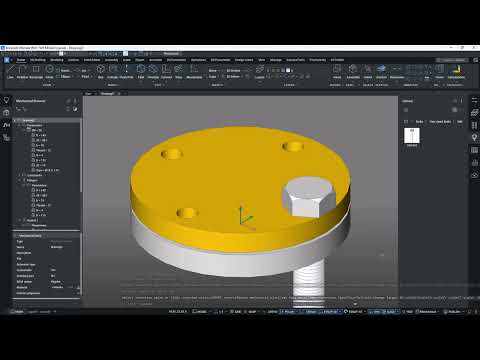

Video From YouTube: Octave BricsCAD
Graebert presents a hands-on lesson demonstrating how to control complex flange assemblies through a single configurable design table in BricsCAD Mechanical. The workflow builds an assembly from a flange, gasket, blind flange, and standard bolts, then applies DMCONCENTRIC3D and DMCOINCIDENT3D constraints to fully define component relationships. It explains linking component parameters to global parameters via the Mechanical Browser, importing a CSV-based design table, and creating configuration-dependent parameters that drive multiple parts. Practical setup and parameter management techniques enable rapid reconfiguration and consistent constraint definition, streamlining design iterations for mechanical assemblies. Ideal for CAD professionals seeking efficient assembly automation workflows now.
If you like this content please subscribe to the Bricsys YouTube Channel

Browse Bricsys Products
Professional, familiar DWG‐based 2D & 3D CAD
Also in Design News






