
Your Cart is Empty


Annotating Spaces in DWG drawings with the Area Note Command
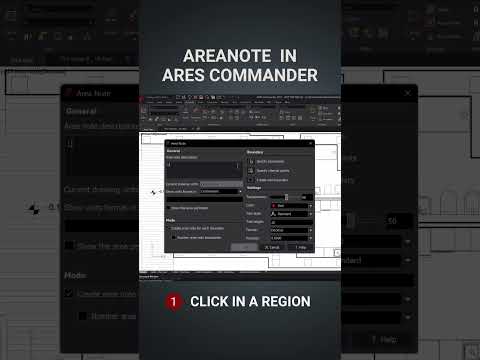

Video From YouTube: ARES CAD Software by Graebert
In this informative video, viewers will discover the powerful capabilities of the Area Note command within ARES software. This feature streamlines the annotation of spaces in DWG drawings by automatically calculating areas, adding color fills, and allowing for optional descriptions. By utilizing this tool, users can enhance the clarity of their drawings while saving valuable time. Ideal for architects, engineers, and drafters, the video showcases how simple it is to create professional-looking designs with just a few clicks. Explore this innovative solution as part of ARES Commander or ARES Kudo and elevate your CAD experience today.
If you like this content please subscribe to the Graebert YouTube Channel

Browse Graebert Products
Modern DWG Editing for Desktop, Mobile, and Cloud
Also in Design News






