
Your Cart is Empty


Add Data to Any Rhino Geometry with VisualARQ Custom Parameters

Making Rhino Geometry More Intelligent
Rhino is widely valued for its modeling freedom, precision, and flexibility across architecture, product design, fabrication, jewelry, marine design, computational design, and many other professional disciplines. One of its strongest advantages is that it is a standalone design application with a broad plug-in ecosystem that can dramatically expand its capabilities. VisualARQ belongs in that ecosystem by bringing BIM-oriented tools into Rhino, allowing designers to move beyond geometry and begin managing meaningful project information directly inside the model.

VisualARQ’s Custom Parameters feature is especially important because it lets users attach structured data to Rhino and VisualARQ objects. Instead of treating a curve, surface, polysurface, block, mesh, wall, slab, or door as only a geometric entity, you can enrich it with project-specific information. That data can then support documentation, IFC exchange, schedules, quantity take-offs, tags, space labels, and automated workflows.
Why Custom Parameters Matter in BIM Workflows
Modern design workflows increasingly depend on information-rich models. Geometry is essential, but geometry alone is often not enough for effective coordination, documentation, cost estimation, fabrication, or facility management. A project team may need to know the fire rating of an object, the manufacturer of a component, the phase of construction, the cost code, the asset ID, the finish, the installation status, or a custom classification required by the client.
VisualARQ Custom Parameters provide a practical way to store this kind of information directly in the Rhino model. This is particularly valuable for professionals who prefer Rhino’s modeling environment but also need BIM-compatible data structures. By adding custom data fields to objects, teams can create smarter models while preserving the fluid modeling experience that makes Rhino so productive.
Creating Custom Data Fields
With VisualARQ Custom Parameters, users can define new fields according to the information needs of a specific project or office standard. Parameters can be created at different levels: by document, by VisualARQ object style, or individually by object. This flexibility makes the system useful for both broad project-wide standards and highly specific object-level data.
For example, a design office might create document-level parameters for classification, project phase, or cost group, making them available throughout the file. A team working with VisualARQ wall styles might add style-based parameters such as acoustic rating, thermal performance, assembly type, or fire resistance. For unique objects, custom object-level parameters can capture specialized data that does not need to apply globally.
Parameters can also be organized into categories, which helps keep complex data sets readable and manageable. This is essential on larger projects, where hundreds or thousands of objects may carry different types of information. By grouping related fields together, VisualARQ helps users maintain clarity while building a model that can support more advanced BIM deliverables.
Choosing the Right Parameter Types
A strong data workflow depends on more than simply adding text notes to objects. VisualARQ Custom Parameters allow users to define the type of data each field should contain. Parameters can include text, numbers, booleans, and other structured values, depending on the kind of information being stored.
This improves consistency and reduces ambiguity. A numeric field can be used for cost, performance values, quantities, weights, or dimensional metadata. A text field can store descriptions, codes, model names, manufacturers, or comments. A boolean field can capture yes-or-no conditions such as “existing,” “demolished,” “fire rated,” “approved,” or “included in scope.” When data is typed properly, it becomes easier to filter, report, exchange, and automate.
Adding Information to Any Rhino Geometry
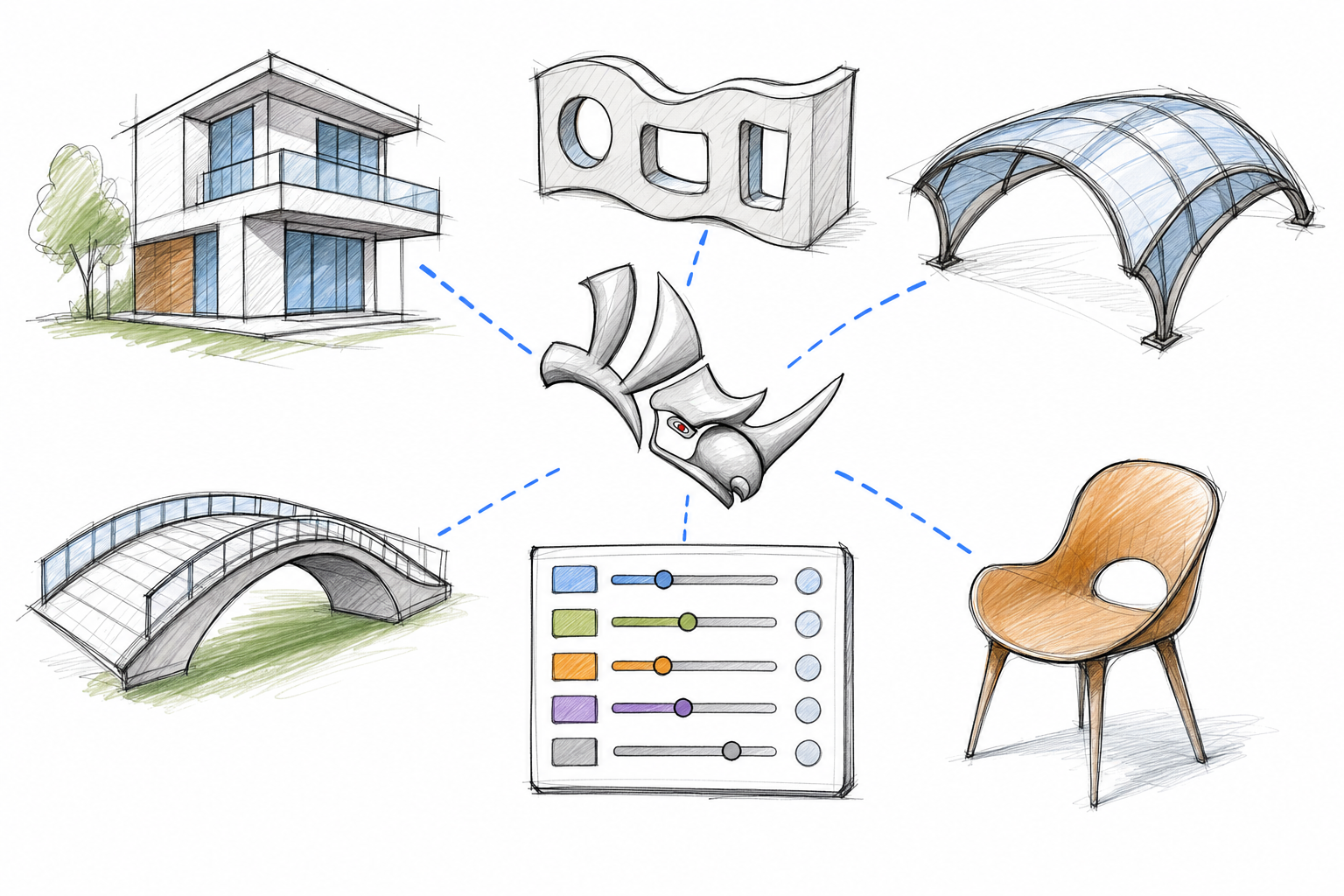
One of the most powerful aspects of VisualARQ Custom Parameters is that they are not limited to VisualARQ objects. They can also be assigned to native Rhino geometry, including points, curves, surfaces, polysurfaces, blocks, and meshes. This is a major advantage for Rhino users because many projects include a combination of BIM objects, custom-modeled elements, imported files, fabrication geometry, and conceptual forms.
For example, in an architectural model, a custom Rhino polysurface used for a sculptural canopy can carry fabrication notes, material data, package information, or IFC metadata. In an interior design project, Rhino blocks representing custom furniture can include supplier, finish, room location, and procurement status. In a product design or fabrication context, surfaces and meshes can be tagged with part numbers, materials, tolerances, or assembly references.
This capability helps bridge the gap between freeform modeling and structured BIM. Teams no longer need to choose between design flexibility and data intelligence. With VisualARQ, even highly customized Rhino geometry can participate in a data-rich project workflow.
Exporting Custom Parameters to IFC
Interoperability is a central concern in professional BIM workflows. VisualARQ Custom Parameters and their assigned values can be stored in IFC files, helping project information remain consistent when models move between platforms and collaborators. This is critical for teams that use Rhino and VisualARQ as part of a broader architectural, engineering, or construction workflow.
When custom parameters are exported as IFC properties, the information attached to Rhino and VisualARQ geometry can be read and used in other BIM environments. This makes the Rhino model more useful beyond visualization or geometry exchange. It becomes a source of structured building information that can support coordination, review, analysis, or downstream documentation.
For firms that rely on IFC as an open exchange format, this feature helps maintain control over project data. Instead of losing important metadata when exporting a model, designers can carry custom information forward and preserve the meaning behind the geometry.
Converting User Texts to Custom Parameters

Many Rhino users already rely on User Text to attach information to objects. VisualARQ supports a more BIM-oriented workflow by allowing User Text data to be converted into Custom Parameters.
This is especially useful for existing projects or office libraries where metadata has already been stored through Rhino’s native mechanisms.
By converting User Text into VisualARQ Custom Parameters, teams can make that information more accessible for BIM tasks, including IFC export. This avoids redundant work and helps preserve valuable data already embedded in the model. It also creates a more standardized framework for reporting, filtering, scheduling, and documentation.
Filtering Parameters by Object Type and Layer

As projects grow, not every parameter should apply to every object. VisualARQ makes data management more precise by allowing filters to be assigned by object type and Rhino layer. This helps users control which parameters are relevant to which parts of the model.
For instance, a parameter related to door hardware should not appear on landscape meshes or structural surfaces. A façade classification parameter may only be relevant to elements on specific façade layers. A room-related finish parameter may apply to space objects, furniture blocks, or interior elements, but not to site geometry. Filtering by type and layer helps keep the parameter interface efficient and prevents unnecessary data clutter.
This level of control is especially valuable for teams that use detailed Rhino layer structures. It allows the BIM data model to respect the organization of the Rhino file, creating a more intuitive workflow for both designers and BIM managers.
Displaying Custom Data in Tags and Space Labels

Custom parameter values can also be displayed in VisualARQ tags and space labels. This connects model information directly to documentation and drawing output. Instead of manually writing labels or annotations, users can reference data that already exists in the model.
For example, a custom room parameter can be displayed in a space label. A component tag can show a fabrication ID, finish code, type mark, or installation phase. If the value changes in the object data, the displayed information can be updated accordingly, reducing the risk of conflicting documentation.
This is an important step toward model-based documentation. It helps keep drawings, schedules, and annotations aligned with the underlying design information, improving accuracy and reducing repetitive manual editing.
Using Custom Parameters in Quantity Take-Off Reports
VisualARQ quantity take-off tables can display custom parameters, allowing teams to list, organize, and report project-specific information directly from the model. This makes Custom Parameters valuable not only for BIM exchange, but also for internal project management, estimation, and documentation.
A quantity take-off table might include object names, quantities, areas, volumes, materials, cost codes, construction phases, suppliers, or approval status. Because custom fields can be tailored to the project, the resulting reports can reflect the actual needs of the team rather than a fixed, generic data structure.
This is where the return on investment becomes clear. Design software has reached a level of sophistication and affordability where professionals who can benefit from it should use it. When model data can be used for reporting and coordination, productivity increases and manual rework is reduced. The model becomes not just a representation of the design, but an active project database.
Automating Data Management with Grasshopper

VisualARQ’s Grasshopper components extend Custom Parameters into computational workflows. The Set Property and Update Property components allow users to assign and manage metadata on geometry created in Grasshopper or on existing referenced objects in the Rhino model.
This is particularly important for parametric design and large-scale model management. Rather than manually assigning the same information to many objects, users can automate the process. A Grasshopper definition can generate geometry and immediately attach classification data, material information, IDs, performance values, or IFC-related properties. Existing objects can also be updated through automated logic, helping maintain consistency as the model evolves.
For advanced Rhino users, this creates a powerful link between computational design and BIM information. Geometry, logic, and data can be generated together, resulting in models that are both flexible and information-rich.
Building a Smarter Rhino-Based Workflow
VisualARQ Custom Parameters are valuable because they respect the way Rhino users actually work. A Rhino project often includes clean NURBS geometry, imported meshes, conceptual massing, detailed fabrication models, blocks, curves, and VisualARQ architectural objects. Instead of forcing everything into a rigid modeling structure, VisualARQ allows data to be added where it is needed.
This makes the feature useful across many professional domains. Architects can use it for BIM documentation and IFC coordination. Interior designers can track finishes, manufacturers, and FF&E information. Fabricators can attach part numbers and production notes. Naval and industrial designers can organize components with project-specific metadata. Computational designers can automate classification and data assignment through Grasshopper.
Because Rhino has a large number of plug-ins that extend its capabilities into fields such as jewelry design, computational fluid dynamics, naval engineering, architecture, rendering, and fabrication, data-rich workflows can support a wide range of specialized applications. VisualARQ adds BIM intelligence to that ecosystem while Rhino remains the central standalone modeling platform.
Conclusion
VisualARQ Custom Parameters turn Rhino geometry into smarter, more useful BIM-ready elements. By creating custom fields, assigning data to both VisualARQ objects and native Rhino geometry, exporting information to IFC, automating metadata with Grasshopper, and reporting custom values in quantity take-off tables, teams can build models that support better coordination, documentation, and decision-making.
Professionals working in Rhino can further strengthen their workflow with compatible tools available from NOVEDGE. Rhino 3D provides the modeling foundation for VisualARQ-based workflows. xNURBS is a Rhino-only plug-in that works with Rhino and can be used alongside VisualARQ in Rhino-based modeling processes. For visualization, V-Ray offers rendering solutions compatible with Rhino workflows, while Luxion KeyShot can support high-quality product and design visualization pipelines that include Rhino geometry.
For more information about the newest and most advanced design software technology, contact our sales team at NOVEDGE. Our specialists can help you identify the right Rhino-compatible tools for your modeling, BIM, visualization, and documentation workflow.
Also in Design News



