
Your Cart is Empty


Get a Personalized Quote×
Overview
Built on the proven SpinFire technology trusted by automotive and industrial leaders for more than 25 years, SpinFire Insight gives engineering-adjacent teams the ability to open, inspect, measure, and understand complex parts, assemblies, and drawings in a single, uniform environment. From manufacturing and quality to purchasing, sales, marketing, and suppliers, it helps everyone work from the same visual truth—reducing misunderstandings, shortening feedback cycles, and enabling faster decisions across the product lifecycle. |
|
Which version of SpinFire Insight is right for you?
|
Basic |
Classic Includes all import and limited export formats |
Premium Includes all import and export formats |
|
What’s included: View and interrogate basic CAD formats (STEP, Parasolid, IGES, AutoCAD, Rhino, STL, 3D PDF, SAT). Export to 3DPDF, STL, AutoCAD, HSF and ACT3D. |
What's included: View and interrogate all major CAD Formats (CATIA V4, CATIA V5, CATIA V6, NX, CREO, SolidWorks and more). Export to 3DPDF, STL, AutoCAD, HSF and ACT3D. |
What’s included: View and interrogate all major CAD Formats (CATIA V4, CATIA V5, CATIA V6, NX, CREO, SolidWorks and more). Export to CAD neutral formats (IGES, STEP, JT, Parasolid, PRC, STL, 3D PDF). |
Benefits
At its core, SpinFire Insight is about turning CAD files into actionable, shareable information. Users can interrogate geometry, evaluate key physical properties such as volume, surface area, weight, and center of mass, and perform precision measurements to validate design intent and manufacturing feasibility. Powerful tools like sectioning, analysis, and comparison make it easy to uncover details that would otherwise stay locked inside specialized CAD systems. With multi-CAD support, teams can collaborate across file types and suppliers, while staying aligned on revisions and change requests.
SpinFire Insight is also engineered for usability at scale. An intuitive interface, available in more than 10 languages, helps standardize reviews and communication across global teams. Whether you’re reviewing an exploded assembly, checking wall thickness, validating draft angles, or annotating a model for a design discussion, SpinFire Insight streamlines the path from CAD data to informed action—helping enterprises move faster, with greater clarity and confidence.
|
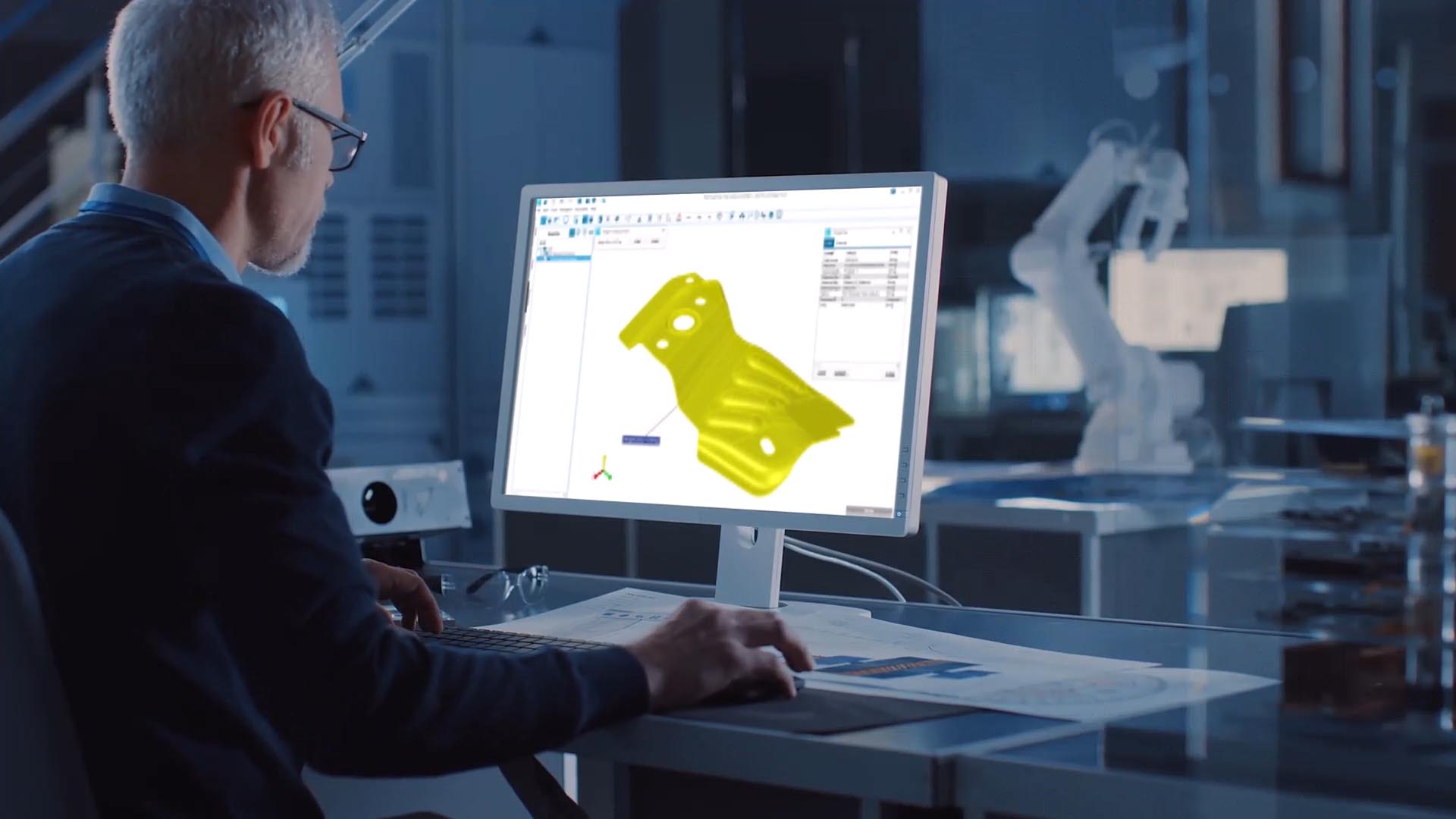
Communicate with Clear, CAD-Based Feedback Boost productivity by giving teams instant access to the CAD data they need. With an intuitive interface available in more than 10 languages, SpinFire Insight enables stakeholders to leave feedback, change requests, and annotate on CAD files.
|
 |
|
Collaborate Across Teams and CAD Systems Provide teams with insight to avert problems, find solutions, and accelerate progress. With multi-CAD support, SpinFire Insight makes it easy to share CAD data across internal and external teams - whether you're at the office, at home, or on the road.
|
 |
|
Comprehend Products Faster with Visual Context Enrich everyone’s understanding of your products and projects. SpinFire Insight transforms organizations by putting pictures to part numbers - giving managers, salespeople, marketers, and vendors the clarity they need to move faster and smarter.
|
Comprehensive Features
SpinFire Insight gives you and your team everything you need to view and interrogate assemblies, parts, and drawings in all major 3D and 2D CAD formats. Gain insight on an item’s volume, weight, surface area, and center of mass. Quickly calculate the sum of connected edges selected, or the area they define.
 |
 |
 |
|
Exploded Assembly Transform multiple or all parts of an assembly in a chosen uniformed pattern quickly with the Exploded Assembly feature |
Section Cut Slice through 3D models to reveal hidden internal geometry for clearer analysis and review. |
Smart Dimensioning Quickly generate accurate measurements with intuitive, context-aware dimensioning tools. |
 |
 |
 |
|
Markup Add comments, annotations, and highlights directly on models for collaborative reviews. |
Boundary Volume by Surface Find the volume of a 3D model based on the select surfaces that bound that model or measure the volume of a void a model creates. |
Minimum Distance Measures the shortest distance between two sets of points or surfaces. |
 |
 |
 |
|
Minimum Thickness Calculates the minimum thickness of a set of points or surfaces. |
Tube Length Automatically calculate tube and pipe lengths to simplify manufacturing and cost estimation. |
Model Compare Visually and numerically compare two CAD models to detect design changes and revisions. |
 |
 |
 |
|
Draft Angle Analysis Evaluate draft angles to confirm manufacturability of molded or cast components. |
Curvature Analysis Inspect surface curvature to ensure proper design flow and highlight problem areas. |
Wall Thickness Analysis Analyze uniformity of wall thickness to improve durability and reduce defects. |
