Your Cart is Empty


V-Ray Tip: Optimizing V-Ray Dome Light HDRI Lighting for Realistic Illumination and Reflections
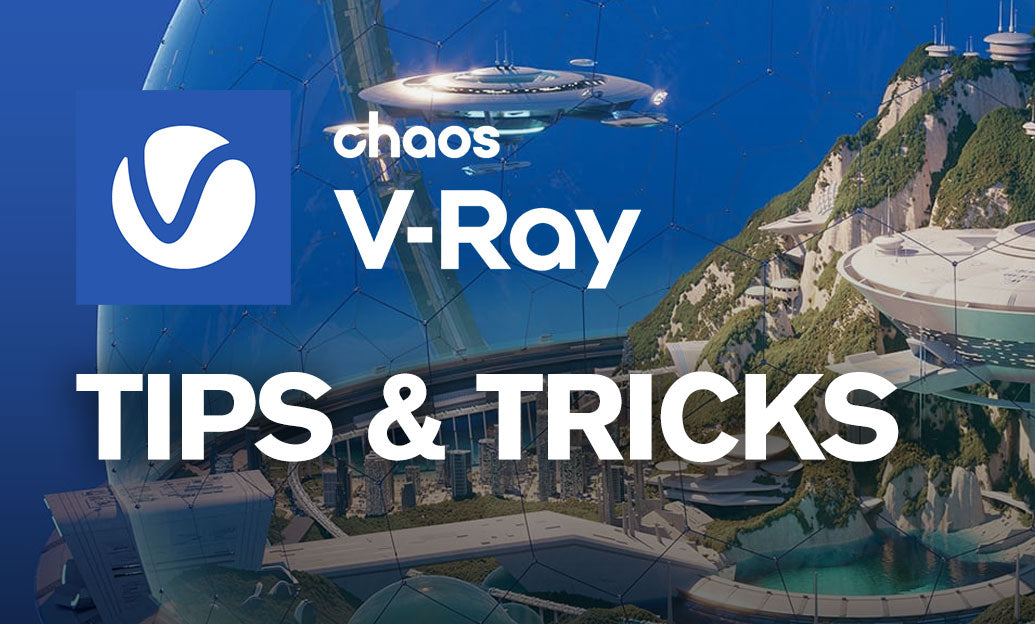

A V-Ray Dome Light is one of the fastest ways to establish believable environmental illumination, especially for product shots, architectural exteriors, and scenes that need natural reflections. Rather than treating it as a simple background light, use it as the primary source of directional context for the entire image.
For reliable results, start with a high-quality HDR image mapped to the Dome Light. An HDRI contains a wide brightness range, allowing V-Ray to capture bright sunlight, soft skylight, and reflected color from the surrounding environment. This produces lighting and reflections that feel connected instead of artificially assembled.
- Choose an HDRI with a clear lighting purpose. A cloudy HDRI creates soft, low-contrast illumination; a sunny HDRI produces sharper shadows and stronger highlights. Match the HDRI to the mood and material requirements of the scene.
- Use sufficient image resolution. Low-resolution HDRIs can look acceptable in diffuse lighting but may appear blurry in polished metal, glass, chrome, and glossy paint reflections. For close-up reflective objects, use a higher-resolution environment map.
- Rotate before increasing intensity. If the render lacks shape, do not immediately raise the Dome Light multiplier. Rotate the HDRI first to place its brightest area where it gives the subject useful highlights, readable shadows, and better visual separation.
- Evaluate the HDRI in reflections. A dome environment is often more visible in a material’s reflections than in the background. Check glossy surfaces in the V-Ray Frame Buffer and adjust the map orientation until reflection lines support the form of the model.
For product visualization, a simple studio HDRI can provide excellent base illumination, but it may not give enough artistic control by itself. Use the Dome Light for natural ambient contribution and reflection information, then add carefully placed V-Ray Area Lights to define hero highlights or lift dark regions. This combination maintains realism while giving you control over the final composition.
In architectural visualization, a Dome Light with an outdoor HDRI can be an efficient starting point for exterior scenes. If direct sunlight is needed, consider separating responsibilities: use the HDRI dome for sky color, ambient fill, and environmental reflections, while using a V-Ray Sun or directional light source for precise shadows. This makes it easier to art-direct time of day without compromising the quality of the surrounding environment.
- Keep the Dome Light contribution physically plausible. Excessive intensity can flatten contrast, wash out materials, and make interiors feel overfilled.
- Watch for unwanted background visibility. The HDRI used for lighting does not always need to be the visible background. Separate the lighting environment from the camera background when using a backplate or a custom sky.
- Use Adaptive Dome Lighting when available. It can improve sampling efficiency by focusing effort on important bright areas in the environment, particularly with high-contrast HDRIs.
- Test at production-relevant material settings. Dome lighting that looks good on clay geometry may reveal noise, weak highlights, or overly dark reflections once final materials are enabled.
Use the V-Ray Frame Buffer to compare HDRI rotations, exposure, and LightMix adjustments without repeatedly rebuilding the lighting setup. Saving successful configurations as presets helps establish repeatable results across a project or team.
For HDRI assets, V-Ray tools, and professional visualization software, explore V-Ray solutions at NOVEDGE. A thoughtfully positioned Dome Light can turn a technically correct render into an image with convincing atmosphere, material response, and visual intent.
You can find all the V-Ray products on the NOVEDGE web site at this page.
Also in Design News