Your Cart is Empty


UX enhancements for a simplified workflow | BricsCAD V27 tutorial

Video From YouTube: Octave BricsCAD
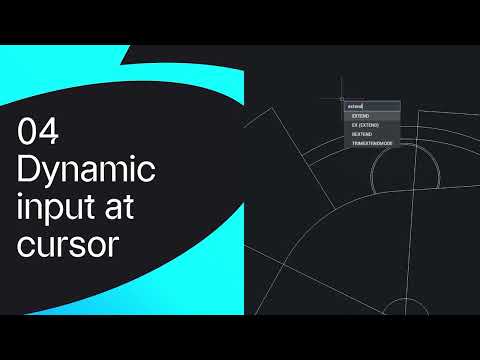
Graebert showcases interface improvements that streamline drawing workflows in BricsCAD V27. Enhanced tool palettes, dynamic input at cursor and an improved Quad combine to reduce clicks and speed task completion. New customization options and layout refinements help users access commands more intuitively, while updated visual feedback and context-aware controls minimize interruptions. Practical demonstrations illustrate faster annotation, selection, and command entry for 2D and 3D projects. Ideal for CAD professionals seeking a more efficient environment, this tutorial highlights productivity gains, configuration tips, and best practices to adopt the V27 interface enhancements across design teams and individual users and accelerated collaboration workflows.
If you like this content please subscribe to the Bricsys YouTube Channel

Browse Bricsys Products
Professional, familiar DWG‐based 2D & 3D CAD
Also in Design News