Your Cart is Empty


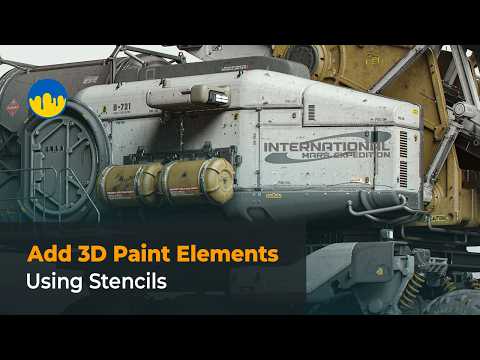
Using the Stencils Panel to Add 3D Paint Elements to the Model

Video From YouTube: 3DCoat
Discover the powerful capabilities of the Stencils Panel in 3DCoat, demonstrated in this informative video. Viewers will learn how to effectively use stencils to incorporate intricate 3D paint elements into their models, enhancing visual detail and texture. The tutorial covers techniques for creating raised text, symbols, and various decorative features, blending traditional painting with geometric enhancements for a polished finish. Ideal for artists and designers looking to elevate their modeling skills, this video highlights the seamless integration of paint and geometry, fostering creativity and precision in 3D design projects. Join the community and explore the possibilities with 3DCoat.
If you like this content please subscribe to the 3DCoat YouTube Channel

Browse 3DCoat Products
Fast Growing 3D Toolset
Also in Design News