Your Cart is Empty


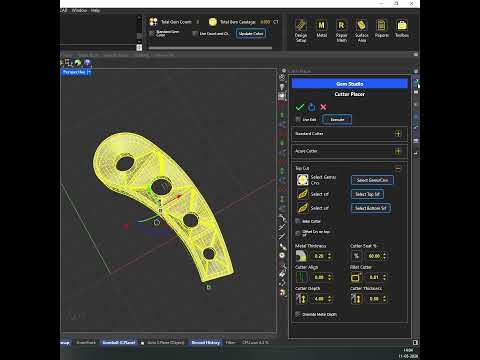
Top Cut - a method to create a border of metal around the stones with depth for setting in TiaraCAD

Video From YouTube: BlueStone Learning
Learn how TiaraCAD creates a precise metal border with depth around stones for setting. This method supports both single-stone and multi-stone designs, allowing the user to define the thickness of metal to retain as a border. By selecting the gems along with the top and bottom surfaces, a clean and accurate geometry can be generated quickly for efficient jewelry modeling. The technique helps streamline design workflows while maintaining control over setting dimensions and structure. Ideal for creating refined, professional results in CAD jewelry design, this process improves accuracy and saves time during complex stone setting preparations.
If you like this content please subscribe to the TiaraCAD YouTube Channel

Browse TiaraCAD Products
Polysurface based Jewelry Plug-in for Rhino
Also in Design News