
Your Cart is Empty


The Ultimate Brushed Metals Guide for KeyShot Studio
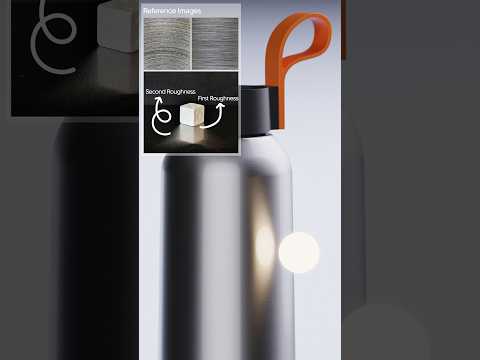

Video From YouTube: KeyShot
In this informative video, viewers will learn how to create realistic brushed metal materials in KeyShot, a crucial skill for product visualization. The tutorial features a step-by-step workflow led by Ozan, focusing on essential techniques beyond merely increasing anisotropy. Starting with the Generic material, Ozan demonstrates how to leverage advanced controls like Metallic and Anisotropy to achieve a convincing brushed finish. This guide is ideal for both beginners and experienced users looking to enhance their rendering skills, ultimately providing valuable insights into the intricacies of achieving lifelike metallic textures in KeyShot Studio.
If you like this content please subscribe to the KeyShot YouTube Channel

Browse Luxion Products
Advanced Lighting Technology
Also in Design News






