
Your Cart is Empty


Stop Broken XRefs in Your DWG Files | ARES Commander
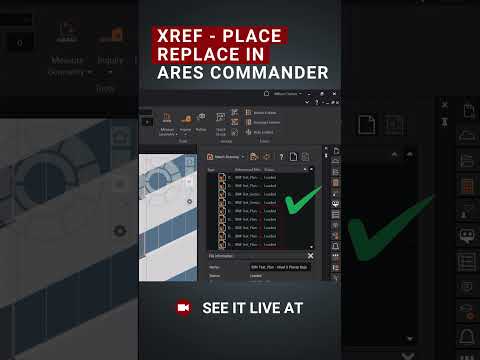

Video From YouTube: ARES CAD Software by Graebert
In this informative video, viewers are introduced to a powerful feature in ARES Commander that addresses the common issue of broken external references (XRefs) in DWG files. Moving or renaming files often disrupts these links, leading to unnecessary rework. The solution lies in the XRef Update Relative Paths function, which automatically updates paths when saving drawings in new locations, ensuring cleaner and more reliable references. This tool significantly reduces the incidence of broken XRefs, minimizes manual corrections, and streamlines DWG workflows. The video also highlights opportunities to discover more capabilities of ARES Commander at upcoming events hosted by Graebert.
If you like this content please subscribe to the Graebert YouTube Channel

Browse Graebert Products
Modern DWG Editing for Desktop, Mobile, and Cloud
Also in Design News






