
Your Cart is Empty


Scale Entity Using Mouse Button
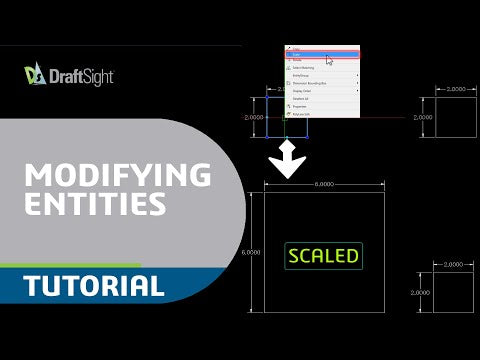

Video From YouTube: DraftSight
This informative tutorial from Dassault Systèmes demonstrates how to efficiently scale entities in DraftSight using the mouse. Viewers will learn to activate the Scale command, select entities for scaling, and utilize the mouse button to define reference points. The video outlines the process of adjusting the scale factor interactively, allowing for precise modifications. With clear, step-by-step instructions, this resource aims to enhance drafting skills, making it easier to manipulate object sizes within the CAD environment. Perfect for users looking to improve their 2D drafting capabilities, this guide emphasizes efficiency and accuracy in design.
If you like this content please subscribe to the DraftSight YouTube Channel

More Info on DraftSight
World Class DWG Editor
Also in Design News






