Your Cart is Empty


Rhino 3D Tip: Weaverbird Subdivision Workflow for Grasshopper
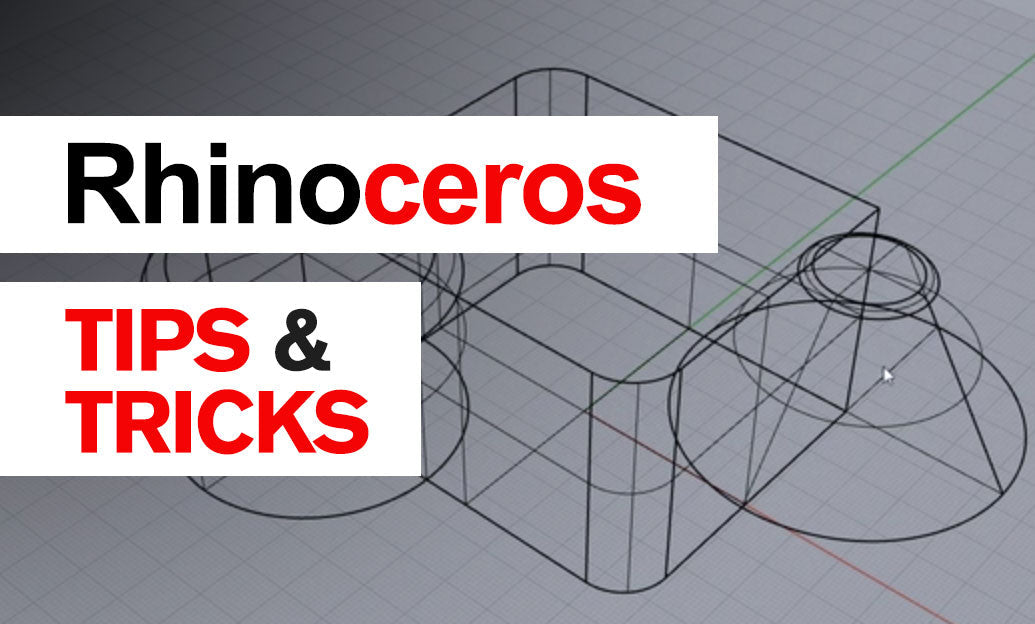

Weaverbird supercharges Grasshopper with robust mesh subdivision and topology tools—ideal for softening forms, building panels, and preparing quad-dominant meshes for SubD or rendering.
Start with a clean, purposeful base mesh
- Generate quad-dominant meshes with QuadRemesh for predictable subdivision.
- Clean and orient: remove duplicates, weld vertices, and unify normals before subdividing to avoid cracks and shading artifacts.
- Establish edge intent early: mark where you need soft vs. crisp edges so you can plan creases, picture frames, or support loops.
Choose the right subdivision strategy
- wbCatmullClark: Great for quad meshes and smooth industrial forms; produces rounded transitions and is SubD-friendly.
- wbLoop: Better for triangle/irregular meshes; preserves overall shape with fewer artifacts in tri-heavy areas.
- Subdivision depth: Keep it low during look-dev (1–2 iterations), increase only at export or final bake to maintain interactivity.
Control edges and details without over-tessellating
- wbPictureFrame: Create controllable “support loops” around holes and borders to hold edge definition after smoothing.
- wbThicken: Add shell thickness to panels or membranes; flip normals consistently to avoid inside-out geometry.
- Creases vs. support loops: For sharp edges, combine low-level subdivision with picture frames or crease strategies rather than jumping to high levels.
Paneling, lattices, and expressive forms
- wbDual: Turn faces into nodes and nodes into faces—perfect for panelization workflows or cellular patterns.
- wbStellate: Add controlled relief/spikes for light-play or acoustic effects; dial in height with a scalar field (e.g., curvature or distance).
- Laplacian smoothing: Even out noise post-operations without shrinking key features by blending original vertex positions.
Boundary and topology safety
- Preserve borders: Use boundary/hold-boundary options when subdividing open meshes to keep silhouette shape.
- Avoid non-manifold results: After thickening or joining, validate with mesh analysis; ensure closed, consistent normals before 3D printing.
- Weld wisely: Maintain sufficient weld angles to avoid facet shading but preserve intentional hard breaks.
Convert and export cleanly
- To SubD: If your result is quad-dominant, convert to SubD for editable creases and NURBS conversion later.
- To NURBS: Use SubD-to-NURBS only when needed for downstream CAD; keep mesh for visualization or 3D printing.
- Performance: Disable solver or use Data Dam while iterating; keep subdivision low and preview off on heavy components.
Practical recipe (fast soft body)
- QuadRemesh a clean surface or coarse mesh.
- wbCatmullClark (1–2 iterations) for base smoothing.
- wbPictureFrame around key apertures to hold edges.
- wbThicken for shell; validate with mesh checks; then export.
Pro tip: keep a low-res “driver” mesh and a separate high-res “viewer” branch so you can iterate forms quickly and only subdivide at the end.
Need Rhino, Grasshopper-friendly plugins, or expert guidance? NOVEDGE offers licensing, bundles, and consultative support—start here: NOVEDGE. For purchasing Rhino and building a reliable plugin stack that includes subdivisions and paneling workflows, talk to the specialists at NOVEDGE to tailor a solution for your practice.
You can find all the Rhino products on the NOVEDGE web site at this page.
Also in Design News