Your Cart is Empty


Rhino 3D Tip: Rhino SubD Modeling Best Practices for Clean, Editable Forms
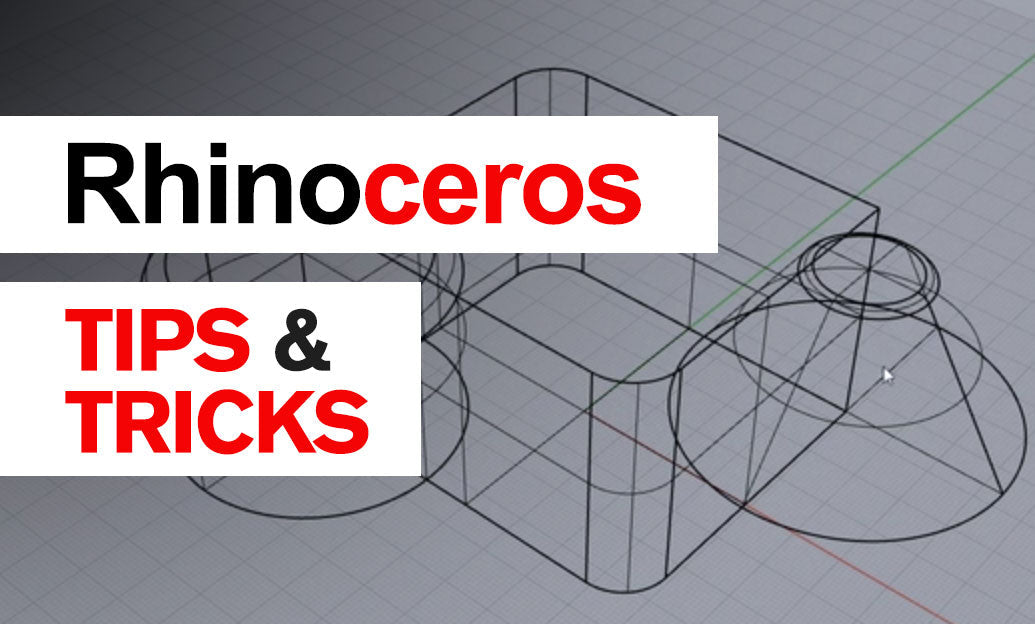

SubD in Rhino is one of the fastest ways to develop smooth, editable forms without giving up too much control. For concept design, product styling, furniture, footwear, automotive details, and many organic shapes, SubD offers a practical middle ground between mesh-style freedom and Rhino’s precise modeling environment. If you want to work faster while still building geometry that can evolve cleanly, this is a feature worth mastering.
A strong SubD workflow starts with a simple mindset: keep the base form light, clean, and intentional.
- Start with the fewest faces possible. A low-density SubD is easier to shape, easier to troubleshoot, and more predictable when refining curvature.
- Block out the silhouette first. Focus on proportions and major transitions before adding detail.
- Add edge loops only where needed. Extra loops should support sharper transitions, openings, or local control—not compensate for poor base structure.
One of the biggest mistakes beginners make is over-modeling too early. If the overall volume is not right, more geometry will only make corrections harder. Use Rhino’s move, scale, and Gumball tools to define the large form first, then refine.
To build better SubD models, pay close attention to topology:
- Favor quads whenever possible. Four-sided faces subdivide more predictably and usually produce cleaner results.
- Keep edge flow logical. Edge loops should follow the main direction of the form and reinforce how the object bends or creases.
- Control poles carefully. Vertices where many edges meet are sometimes unavoidable, but they should be placed away from highly visible highlight areas when possible.
- Maintain even spacing. Uneven face sizes can create bumps, pinching, or inconsistent curvature.
For sharper features, Rhino gives you several options. Instead of forcing a hard transition with excessive point editing, try these strategies:
- Insert supporting edge loops near the edge you want to tighten.
- Use creases selectively for edges that need to hold a harder definition.
- Combine soft and sharp zones to create more realistic products and controlled visual contrast.
It is also important to inspect the model continuously. Rotate the form in shaded and rendered display modes, and check reflections whenever possible. Smooth geometry can still hide subtle inconsistencies if you only work from one viewport. This is especially relevant when developing presentation-ready concept surfaces for clients or marketing visuals.
Another major advantage of Rhino SubD is flexibility in conversion workflows. Depending on project needs, SubD can often be converted into NURBS for downstream detailing, engineering, or manufacturing preparation. That makes it especially useful for designers who want freedom in early form finding but still work in a professional CAD pipeline. If you are exploring Rhino for this kind of hybrid workflow, NOVEDGE offers access to Rhino software and related tools at NOVEDGE Rhino.
For daily practice, keep this checklist in mind:
- Start simple
- Model the primary volume first
- Use quads as your default
- Add detail only after proportions are resolved
- Inspect constantly from multiple views
- Refine edge flow before increasing complexity
SubD is not just about making organic shapes quickly—it is about making editable forms intelligently. Used well, it can dramatically improve speed in concept development while keeping your Rhino models cleaner, more adaptable, and easier to present. For Rhino tools, upgrades, and workflow resources, it is always worth checking NOVEDGE.
You can find all the Rhino products on the NOVEDGE web site at this page.
Also in Design News