
Your Cart is Empty


Rhino 3D Tip: Preparing Rhino Models for Cleaner Make2D Output
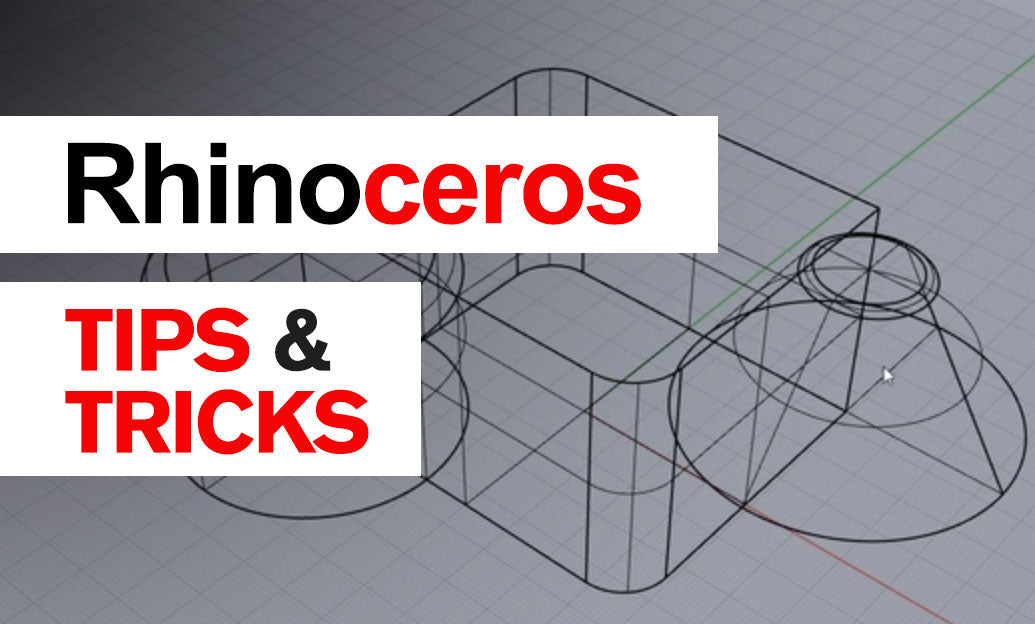

When using Make2D in Rhino, the quality of the result depends less on the command itself and more on how well the model is prepared before you run it. If your goal is crisp presentation graphics, cleaner line hierarchy, and less manual cleanup, a few workflow adjustments can make a big difference.
Topic 101: Optimizing Make2D Output for Presentation is really about controlling complexity before it reaches the drawing stage. Rhino can generate excellent 2D output, but presentation-ready results come from combining modeling discipline, visibility control, and smart layer management.
-
Start with clean geometry.
Before running Make2D, check for duplicate objects, stray construction curves, hidden unwanted pieces, or messy imported geometry. Commands like SelDup, SelBadObjects, and ShowEdges can help eliminate problems that often create confusing linework. -
Use the right view for the right purpose.
Make2D works best when the view is intentional. For orthographic technical graphics, use Top, Front, Right, or a saved Named View. For presentation illustrations, a carefully composed Perspective view can generate much more dynamic output. -
Control visibility before generating linework.
Hide or lock objects that should not appear in the final drawing. This includes helper geometry, internal construction parts, or components outside the visual focus. A selective Make2D result is usually far easier to style than a fully exhaustive one. -
Organize by layers in advance.
Place objects on meaningful layers before running Make2D. This makes the resulting curves easier to manage afterward, especially when separating:- visible outlines
- internal edges
- section cuts
- reference or context geometry
-
Be selective with tangent and hidden edges.
For presentations, too many lines can flatten the image and reduce readability. Consider whether tangent edges are actually needed. Hidden lines may be useful for documentation, but for clean presentation graphics they often add visual noise. -
Use clipping and section strategies when appropriate.
If you need more graphic impact, combine Make2D with clipping planes or section workflows. Section cuts often produce much stronger visual communication than a fully visible object drawing, especially in architecture, interiors, and product design. -
Simplify before exporting.
Once the Make2D curves are created, review and clean them. Join segments where possible, remove tiny fragments, and group related linework. This step is especially important before moving drawings into Illustrator, CAD documentation, or layout sheets. -
Create line hierarchy.
A good presentation drawing is not just technically correct; it is easy to read. Use heavier lineweights for silhouettes and section cuts, medium weight for primary edges, and lighter weight for secondary detail. This is where Make2D output starts looking polished rather than raw. -
Test settings on a small sample first.
On complex models, run Make2D on a portion of the geometry or on a duplicated file. This helps you evaluate density, edge visibility, and cleanup time before processing the full model.
A practical workflow is to prepare a dedicated “presentation view” file or saved state, where only the most relevant geometry is visible and properly layered. This keeps Make2D focused and gives you output that is much closer to final quality from the start.
If you are building a Rhino workflow for stronger documentation and visual communication, it is worth exploring professional tools and resources available through NOVEDGE Rhino solutions. For design teams comparing software and workflow options, the NOVEDGE store is also a useful reference point.
The key takeaway: Make2D is not just an output command—it is the final step of a well-prepared modeling and visibility strategy. The cleaner the setup, the stronger the presentation.
You can find all the Rhino products on the NOVEDGE web site at this page.
Also in Design News



