Your Cart is Empty


Rhino 3D Tip: Precise Point Placement with Rhino Coordinate Filters
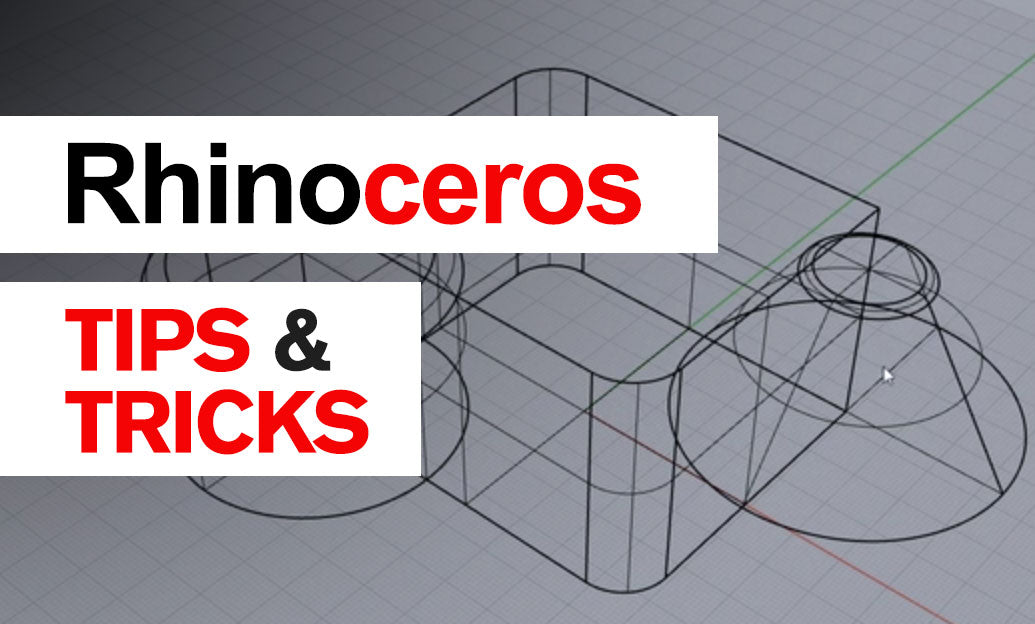

Rhino’s coordinate filters let you construct a precise point using coordinates from different locations. Instead of drawing temporary guides, borrow one or two coordinates from existing geometry, then supply the remaining coordinates from another reference.
The key idea: an object snap identifies a reference point; a coordinate filter controls which coordinates Rhino takes from that point. This is useful when a new feature must align horizontally with one object while matching another object’s elevation.
At a command prompt requesting a point, type a filter, including the leading period, and press Enter:
-
.xtakes only the X coordinate from the next reference point. -
.ytakes only its Y coordinate. -
.ztakes only its Z coordinate. -
.xytakes X and Y together, leaving Z to be supplied. -
.xztakes X and Z together, leaving Y. -
.yztakes Y and Z together, leaving X.
Try this practical example: create a line endpoint directly above a corner, at the elevation of another reference point. For this exercise, use a World Top construction plane so the coordinate directions are unambiguous.
- Start
Lineand specify its first point. - At the next-point prompt, type
.xyand press Enter. - With the appropriate object snap enabled, select the corner that supplies the endpoint’s X and Y coordinates.
- When Rhino requests the remaining coordinate, snap to a reference point at the required elevation.
- Finish the command. The endpoint combines the corner’s plan location with the second reference’s height.
If the first reference is at (100, 200, 15) and the elevation reference is at (30, 40, 75), the resulting endpoint is (100, 200, 75). The second reference’s X and Y values do not affect the result.
Make the workflow dependable:
- Check your construction plane. Coordinate filters follow the active construction-plane axes. On a rotated construction plane, Z is not necessarily world vertical.
- Use deliberate object snaps. End, Mid, Cen, and Point help you capture an exact reference rather than an approximate screen location.
- Watch the command prompt. After filtering, Rhino still needs the missing coordinate or coordinates before it can complete the point.
- Check Project. Projected object snaps can change the reference location used for coordinate capture. Turn Project off when you need the reference’s actual elevation.
-
Verify the result. Use
Distanceor inspect the endpoint coordinates before continuing with dependent geometry.
Apply the same technique anywhere Rhino requests a point, including suitable prompts in Move, Copy, and curve-creation commands. For example, .z can borrow a target elevation before you supply the remaining plan coordinates.
Coordinate filters are especially valuable in architectural layouts, fixture positioning, and mechanical detailing, where matching existing references matters more than entering fresh dimensions. They reduce construction clutter while preserving explicit geometric intent.
For your next practice session, replace one temporary alignment line with a coordinate filter. Explore Rhino software and learning resources through NOVEDGE to build a more precise, repeatable modeling workflow.
You can find all the Rhino products on the NOVEDGE web site at this page.
Also in Design News