Your Cart is Empty


Rhino 3D Tip: Controlled Variable Curve Offsets in Rhino 3D
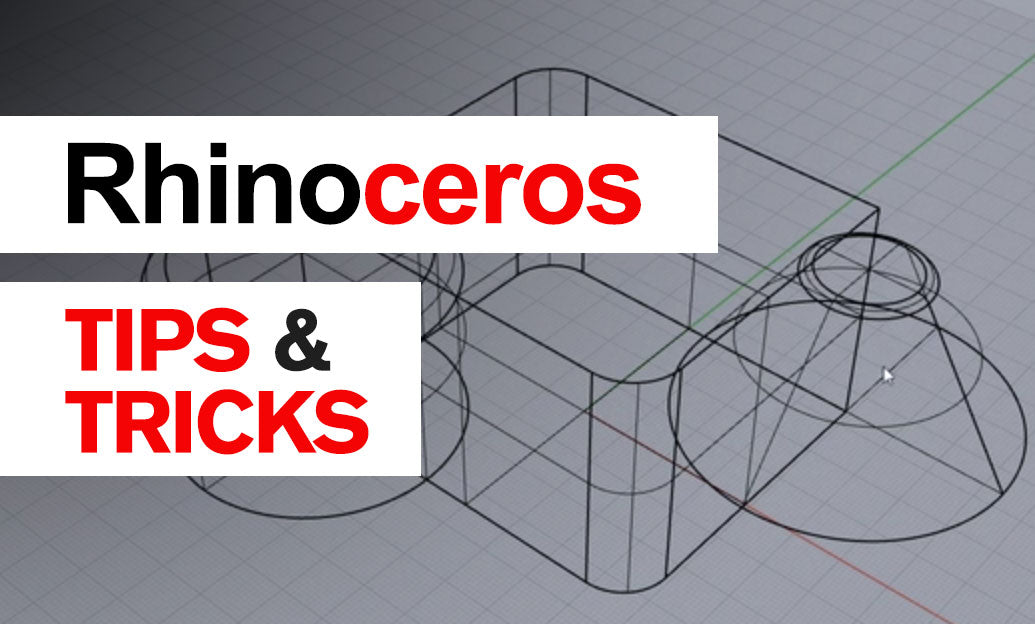

Variable curve offsets are ideal when a profile needs intentional changes in spacing rather than a constant wall thickness. In Rhino, the VariableOffset command creates an offset curve whose distance can increase or decrease along the source curve—useful for ergonomic outlines, tapered trim, graphic shapes, transition zones, and product design details.
Unlike the standard Offset command, which maintains one distance throughout, VariableOffset lets you define several offset values at specific locations. Rhino then interpolates between them to produce a continuously changing result.
-
Start with a clean input curve. Use
Check,SelBadObjects, andWhatwhen necessary. A curve with excessive control points, kinks, or tiny segments can create an unpredictable offset. -
Review curve direction first. Run
Dirto display the curve direction. The offset side and the interpretation of positive or negative distances depend on that direction, especially with open curves. -
Use
VariableOffsetand select the base curve. Place variable-distance control locations along the curve, then assign the desired offset distance at each location. - Keep critical changes deliberate. Add larger distances where a profile needs clearance, thickness, or visual emphasis. Use smaller distances where the boundary must remain tight to the original curve.
- Avoid abrupt distance changes. A rapid transition between a large and small offset value may introduce tight curvature or self-intersections. Add intermediate values to make the transition more gradual.
A practical example is a tapered gasket profile. Begin with a closed planar outline, then use a larger offset around a mounting or grip area and a smaller offset where space is restricted. The resulting curve can become the basis for a planar surface, extrusion, sweep, or cutting profile.
After generating the offset, do not assume it is ready for production. Variable offsets can become geometrically complex when the original curve contains sharp corners or when the requested distance exceeds the available local radius.
- Use
CurvatureGraphto inspect sudden curvature spikes. - Use
Intersector visual inspection to identify overlapping portions. - Run
SelSelfIntersectingCrv, if available in your Rhino version, to locate problematic curve regions quickly. - Use
Trim,Split, andBlendCrvto repair localized issues instead of rebuilding the entire profile. - Apply
Rebuildcautiously. Rebuilding can improve editability, but it may alter critical dimensions and should always be followed by measurement checks.
For closed curves, pay special attention to the seam area. If the offset transition appears uneven near the seam, move the seam with CrvSeam to a less sensitive location before creating the variable offset. This is particularly helpful for periodic curves and rounded product outlines.
Variable offsets are most reliable when the design intent is established before detailing. Keep the base curve simple, define only the offset stations that communicate a real design requirement, and verify the final spacing with Distance or Length. This approach produces cleaner curves and more dependable downstream surfaces and solids.
For Rhino tools, training resources, and workflow support, explore Rhino 3D at NOVEDGE. A well-managed variable offset can turn a simple outline into a controlled, manufacturable, and visually refined design feature.
You can find all the Rhino products on the NOVEDGE web site at this page.
Also in Design News