
Your Cart is Empty


Redshift Render Settings Walkthrough
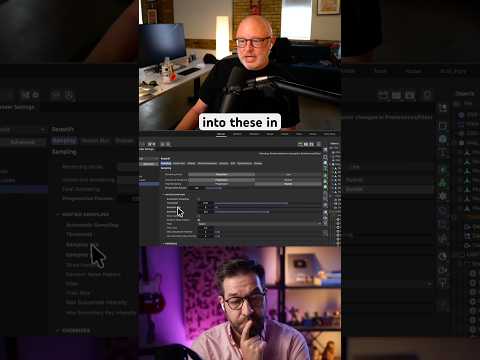

Video From YouTube: Greyscalegorilla
In this informative video, viewers gain insights into optimizing render settings with Redshift, featuring expert Chad Ashley. The walkthrough showcases his current settings, focusing on balancing speed and quality for efficient rendering. As part of the "Behind The Render" series, this episode delves into practical tips and techniques that can enhance the rendering process, making it easier to achieve stunning visuals in less time. Additionally, the video offers access to over 100 free assets, empowering artists to elevate their projects. Join the community for further discussions and resources to refine rendering skills.
If you like this content please subscribe to the Greyscalegorilla YouTube Channel

Browse Greyscalegorilla Products
Tools + Training for 3D
Also in Design News






