
Your Cart is Empty


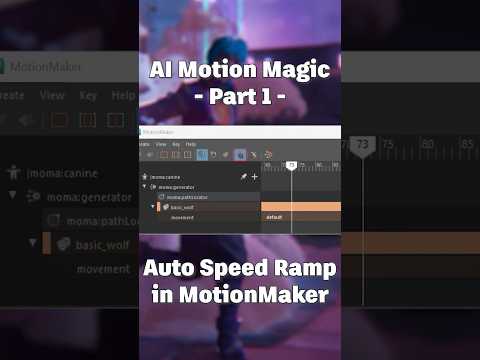
Motion Maker Minute: Adjusting your AI animation's speed #ai #3danimation #maya #tutorial #autodesk

Video From YouTube: Maya Learning Channel
In this informative tutorial from AutoDesk, viewers will discover how to utilize the "Auto Speed Ramp" feature to modify the speed of animated characters in 3D environments. The video offers step-by-step guidance on adjusting animation speeds relative to character controllers, enhancing overall motion fluidity. Perfect for both beginners and experienced animators, this tutorial showcases essential techniques to bring animated projects to life. With clear instructions and expert tips, viewers will gain a deeper understanding of AI animation adjustments in Maya, helping them create more dynamic and engaging animations. Join in to elevate your animation skills to the next level.
If you like this content please subscribe to the Autodesk Maya Learning Channel YouTube Channel

More Info on Maya
Begin your journey into the world of 3D graphics and animation
Also in Design News


