
Your Cart is Empty


MAVERICK RENDER: 45 Perfect Camera Matching in Minutes | fSpy to Maverick
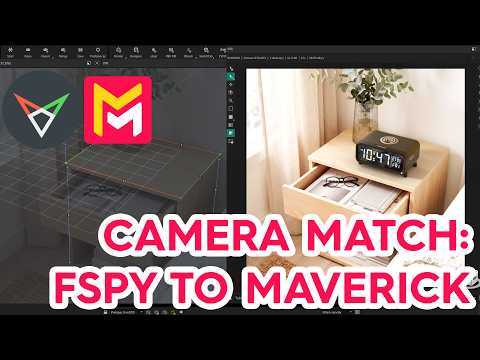

Video From YouTube: Maverick Render
Discover the ultimate workflow for integrating 3D models into real photographs with this comprehensive tutorial. Viewers will learn to utilize fSpy, a free camera matching application, to extract perspective and real-world dimensions from 2D images. The video demonstrates how to import a Rhino-modeled alarm clock into Maverick Render, applying realistic textures and leveraging the fSpy importer for precise camera matching. Additionally, techniques for blending the 3D product seamlessly into the photograph are covered, including the use of Shadow Catcher for realistic shadow integration. Perfect for both beginners and experienced artists, this tutorial enhances compositing skills effortlessly.
If you like this content please subscribe to the Maverick Render YouTube Channel

Browse Maverick Render Products
The Definitive Product Visualization Tool
Also in Design News






