Your Cart is Empty


KeyShot Studio Render Layers & Passes Tutorial
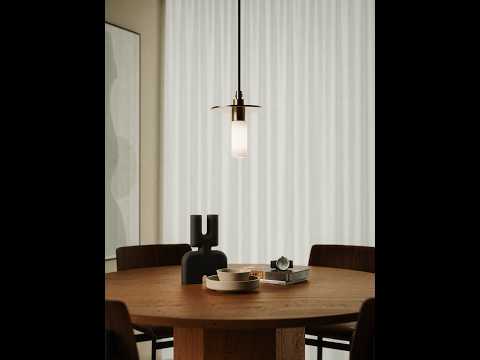

Video From YouTube: KeyShot
Explore how Luxion’s KeyShot workflow combines render layers and passes with Photoshop for precise CGI post-production. This tutorial demonstrates how to isolate geometry, adjust materials without re-rendering an entire scene, and refine individual elements for greater creative control. Learn to manage interior scenes using ambient occlusion, lighting, reflections, shadows, and other render elements. The process helps streamline revisions, improve realism, and support efficient compositing. Ideal for artists, designers, and visualization professionals, this guide explains practical setup techniques and post-production decisions that make final images easier to customize and polish. It offers a flexible approach to creating refined, professional-quality visualizations across diverse projects.
If you like this content please subscribe to the KeyShot YouTube Channel

Browse Luxion Products
Advanced Lighting Technology
Also in Design News