Your Cart is Empty


KeyShot Pro Tips - How To Edit Normals In KeyShot Studio
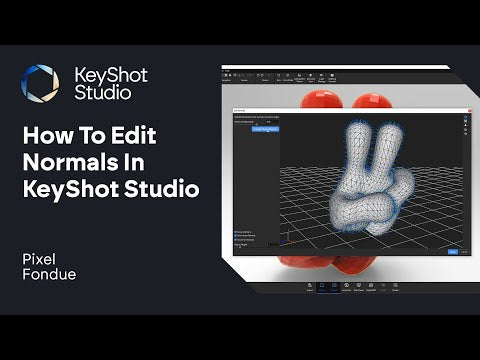

Video From YouTube: KeyShot
This informative video from Luxion offers essential insights into enhancing 3D models within KeyShot Studio. Viewers will discover the effective use of the Edit Normals tool, which plays a crucial role in calculating vertex normals and smoothing out faceted or flat surfaces of a mesh. By utilizing this technique, users can significantly improve the visual quality of their renders. Whether working on product designs or intricate models, this tutorial provides valuable tips for achieving professional results. Ideal for both beginners and experienced users, this content contributes to a deeper understanding of KeyShot's powerful capabilities.
If you like this content please subscribe to the KeyShot YouTube Channel

Browse Luxion Products
Advanced Lighting Technology
Also in Design News