
Your Cart is Empty


Instant Depth of Field: Enscape to Photoshop Hack! 📸
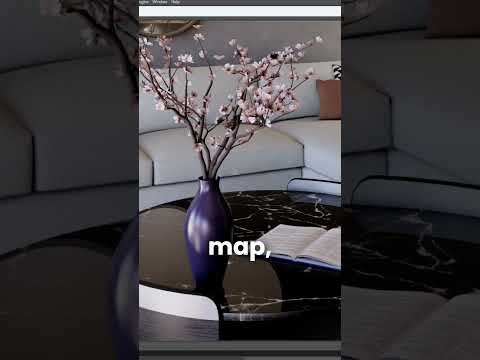

Video From YouTube: Enscape ArchDesign
This video offers a time-saving technique for enhancing renders by utilizing Enscape’s depth channel in Photoshop. Viewers will learn a step-by-step process that eliminates the need for rerendering by allowing them to select any focal point in post-production. The tutorial covers enabling the depth channel in Enscape's output tab, importing both the render and depth channel into Photoshop, and creating a layer mask. By applying the Lens Blur filter, users can create stunning depth of field effects effortlessly. Perfect for designers looking to elevate their workflow, this hack streamlines the post-production process, maximizing efficiency and creativity.
If you like this content please subscribe to the Enscape 3D YouTube Channel

Browse Enscape 3D Products
Real-Time Rendering With Live Link & VR
Also in Design News






