Your Cart is Empty


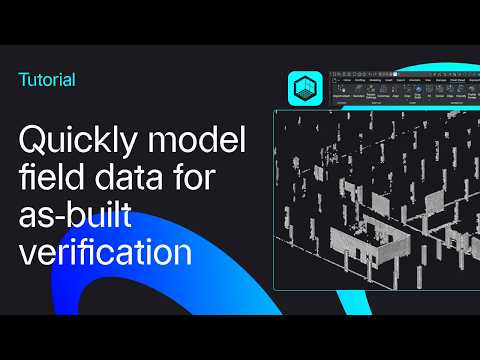
How to model field data for as-built verification | BricsCAD V27 tutorial

Video From YouTube: Octave BricsCAD
Graebert presents a concise tutorial demonstrating how to import scan data of as-built conditions and rapidly verify it against design geometry. The video covers dataset preparation, alignment workflows, tolerance checks, and visual reporting tools available in V27, highlighting new features and improved performance. Practical tips help accelerate verification, reduce rework, and ensure accurate documentation for stakeholders. Suitable for surveyors, BIM coordinators, and CAD modelers seeking efficient field-to-model validation. A downloadable dataset and details about what's new in V27 are referenced for hands-on practice and evaluation of the updated toolset. Clear demonstrations and real-world examples make adoption straightforward, measurable, and timely.
If you like this content please subscribe to the Bricsys YouTube Channel

Browse Bricsys Products
Professional, familiar DWG‐based 2D & 3D CAD
Also in Design News