
Your Cart is Empty


How to Master Multi-Materials in KeyShot Studio
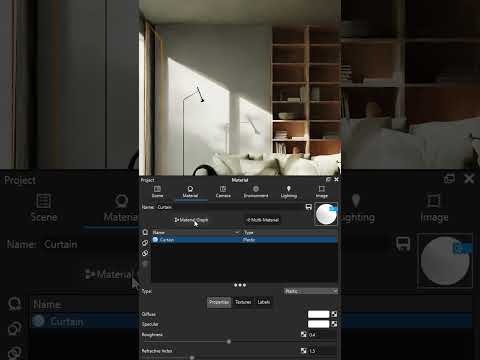

Video From YouTube: KeyShot
Unlock the full potential of KeyShot Studio by exploring the advantages of multi-material setups. This video showcases how to streamline your workflow and significantly reduce scene duplication when testing various materials. Viewers will learn to create a dedicated multi-material structure, enabling effortless swaps of colors, textures, and material types with just one click. The tutorial includes a detailed breakdown of the setup pipeline within the material graph, emphasizing the importance of isolating models to optimize the process. Discover how to enhance efficiency and elevate projects by mastering multi-material techniques in KeyShot. Ideal for designers and 3D artists alike.
If you like this content please subscribe to the KeyShot YouTube Channel

Browse Luxion Products
Advanced Lighting Technology
Also in Design News






