
Your Cart is Empty


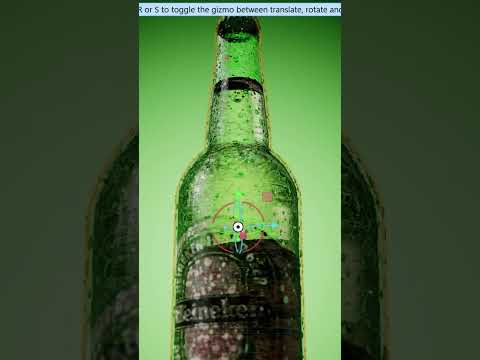
How to make bubbles and condensation in KeyShot Studio

Video From YouTube: KeyShot
This tutorial by Luxion's Ben Robson explores the powerful built-in textures and geometry capabilities of KeyShot. Viewers will learn how to create realistic bubbles and condensation effects using the spots texture alongside a geometry node, enabling condensation to extrude naturally from surfaces. The video addresses common challenges and demonstrates effective solutions. Additionally, the tutorial showcases the creation of detailed bubbles within liquid geometries, highlighting techniques for achieving a lifelike appearance. This comprehensive guide is ideal for users looking to enhance their rendering skills and elevate their visual projects with stunning water effects.
If you like this content please subscribe to the KeyShot YouTube Channel

Browse Luxion Products
Advanced Lighting Technology
Also in Design News



