
Your Cart is Empty


How to Light Dark Interiors in D5 Render | Realistic Daylight Tutorial
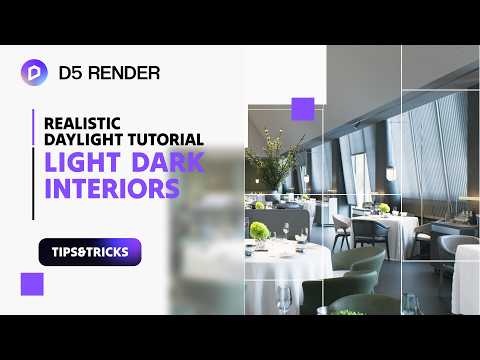

Video From YouTube: D5 Official
Step-by-step guidance for brightening dark interior scenes in D5 Render using natural daylight, HDRI, atmosphere controls, material adjustments, and finishing touches. The workflow covers efficient scene setup, material optimization, daylight and atmosphere tuning, and polishing techniques to achieve realistic, well-balanced interior renders. Practical tips include balancing exposure, leveraging HDRI for nuanced light, refining material response to illumination, and composing an interactive presentation for client review. Ideal for architects, visualization artists, and designers seeking faster, more natural daylight results. Files, presets, and clear procedural steps are presented to streamline the path from blocked scene to final render, courtesy of D5 Tutorial.
If you like this content please subscribe to the D5 YouTube Channel

Browse D5 Products
Real-time 3D Rendering
Also in Design News






