
Your Cart is Empty


How to Create Complex Materials in KeyShot with Curvature Mapping
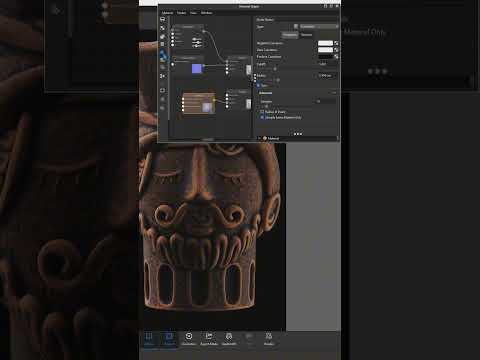

Video From YouTube: KeyShot
In this informative video, viewers will discover the power of Curvature Mapping in KeyShot to create intricate materials more effortlessly. Expert Ozan Kocaman shares practical tips and insights into leveraging this technique within various workflows. The tutorial highlights how different materials can react uniquely on raised and recessed surfaces, showcasing the effectiveness of Curvature Mapping in achieving realistic results. With a focus on models featuring distinct surface details, this guide aims to enhance the material creation process, making complex designs accessible to all users. Dive into the world of material design and elevate rendering skills with these valuable techniques.
If you like this content please subscribe to the KeyShot YouTube Channel

Browse Luxion Products
Advanced Lighting Technology
Also in Design News






