
Your Cart is Empty


How to Add X-Ray Materials in KeyShot Studio
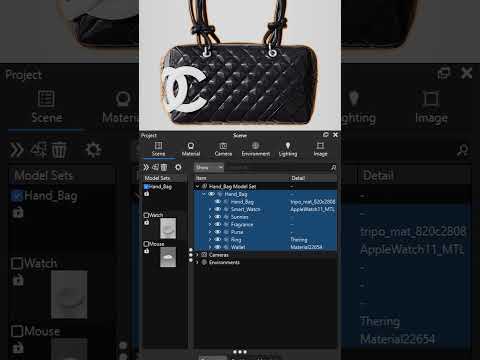

Video From YouTube: KeyShot
In this informative video from Luxion, viewers are introduced to three innovative techniques for creating X-Ray materials within KeyShot Studio. The presentation showcases methods that enhance the visualization of internal components in industrial design products, highlight the intricacies of high-end items, and achieve a complete X-Ray style orthographic effect for luggage and handbags. Each technique is designed to be quick and user-friendly, providing a valuable starting point for generating unique visuals that elevate product presentations and scene designs. This tutorial is essential for anyone looking to enhance their 3D rendering skills with impactful and creative effects.
If you like this content please subscribe to the KeyShot YouTube Channel

Browse Luxion Products
Advanced Lighting Technology
Also in Design News






