Your Cart is Empty


How to 3D Design an Easter Egg in SelfCAD

Video From YouTube: SelfCAD
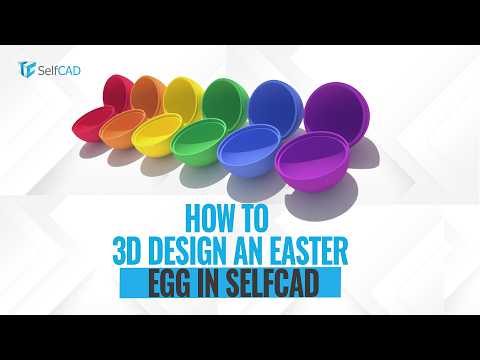
This engaging tutorial showcases the process of creating a 3D Easter egg using SelfCAD, a powerful design software. Viewers will learn how to utilize various tools and features within the platform to craft a beautiful, interactive egg that can be opened and closed with ease. The video offers step-by-step guidance, making it accessible for both beginners and experienced designers. By the end of the tutorial, participants will have the skills to produce their own unique Easter egg designs, perfect for seasonal decorations or gifts. Dive into the world of 3D design and unleash creativity with this fun project!
If you like this content please subscribe to the SelfCAD YouTube Channel

Browse SelfCAD Products
3D Sketch | Model | Sculpt | Print
Also in Design News