
Your Cart is Empty


From #Scan to #CAD: Designing a Snap-On Battery Foot from a BOSCH Drill | #QUICKSURFACE
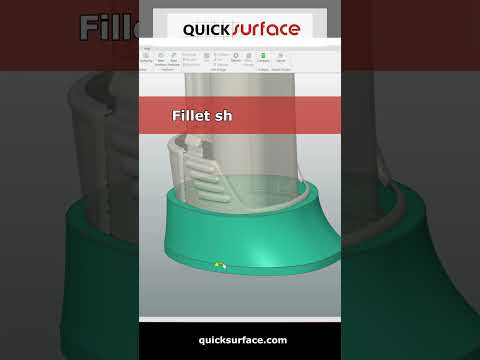

Video From YouTube: QUICKSURFACE
This tutorial demonstrates a complete Scan-to-CAD workflow for creating a snap-on battery foot for a BOSCH drill. Using high-resolution 3D scan data, the workflow cleans and aligns meshes, extracts critical geometry, and reconstructs parametric surfaces suitable for CAD refinement. Practical reverse-engineering techniques, alignment strategies, and modeling tips are highlighted to ensure fit, function, and manufacturability. Ideal for engineers, product designers, and makers seeking efficient ways to turn physical parts into editable CAD models. QuickSurface techniques are emphasized throughout to streamline the transition from raw scan to production-ready geometry. Subscribe for more Scan-to-CAD and reverse-engineering tutorials. Includes practical examples and resources.
If you like this content please subscribe to the QuickSurface YouTube Channel

Browse QuickSurface Products
From 3D Scan to CAD model
Also in Design News






