
Your Cart is Empty


Feature properties | BricsCAD Mechanical Essentials | Lesson 15/19

Video From YouTube: Octave BricsCAD
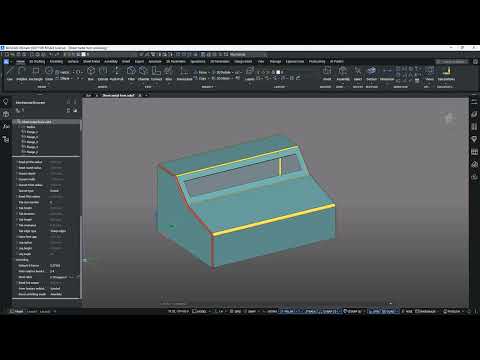
Graebert presents a focused tutorial exploring how BricsCAD Mechanical manages sheet metal visualization, properties, and feature behavior to maintain consistent, editable designs. The lesson demonstrates sheet metal feature coloring that visually distinguishes feature types and explains how display options can be customized via the Sheet Metal category in Settings. It also covers Sheet Metal Context properties within the Mechanical Browser, detailing control of material thickness, bend radius, unfolding parameters, and K-factor to ensure accurate fabrication and downstream edits. Viewers gain practical guidance for configuring visual cues and engineering parameters that preserve design intent and simplify modification workflows for faster results.
If you like this content please subscribe to the Bricsys YouTube Channel

Browse Bricsys Products
Professional, familiar DWG‐based 2D & 3D CAD
Also in Design News






