
Your Cart is Empty


Designing parts using parameters and constraints | BricsCAD Mechanical Essentials | Lesson 8/19

Video From YouTube: Octave BricsCAD
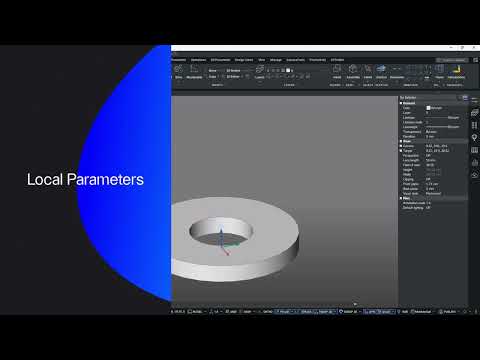
Produced by Graebert, this lesson demonstrates how to combine direct modeling, 3D constraints, user-defined parameters, and expressions to control flange dimensions and geometry. The workflow covers creating global and local parameters, applying dimensional and geometric constraints, and linking values to enforce design intent through automated updates. The Mechanical Browser is used to manage parametric relationships while hole features, polar arrays, and exposed versus hidden parameters illustrate flexible strategies for part layout. Techniques for maintaining robust models through constraint management and parameter-driven edits are emphasized, enabling efficient iteration and predictable modifications. Practical examples highlight best practices for repeatable, production-ready designs today.
If you like this content please subscribe to the Bricsys YouTube Channel

Browse Bricsys Products
Professional, familiar DWG‐based 2D & 3D CAD
Also in Design News






