
Your Cart is Empty


Creating a SImple form in Modeling Room | 3DCoat Tutorial for Beginners | Part 2
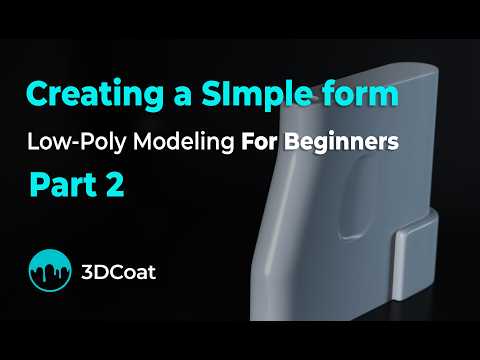

Video From YouTube: 3DCoat
This tutorial provides a comprehensive introduction to creating a basic 3D form in the Modeling Room of 3DCoat, focusing on a straightforward polygon modeling workflow. Aimed at beginners, the video covers essential modeling tools such as Quads, Select, Split Rings, Move, Slide Edge/Vertex, Bevel, Add/Split, and Delete Face/Edge. Viewers will learn how to effectively combine these tools to quickly create and modify a simple 3D object. Ideal for those looking to enhance their skills in 3D modeling, this video serves as an excellent resource for anyone eager to dive into the world of 3DCoat.
If you like this content please subscribe to the 3DCoat YouTube Channel

Browse 3DCoat Products
Fast Growing 3D Toolset
Also in Design News






