Your Cart is Empty


Create Material IDs in 3ds Max | Material IDs Render Elements
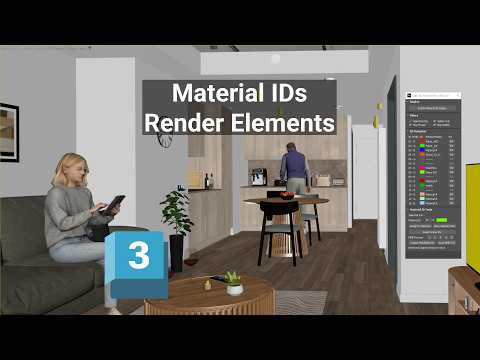

Video From YouTube: SiNi Software
In this informative tutorial from 2Shapes, viewers will learn how to visualize, assign, and manage Material IDs in Autodesk 3ds Max using SiNi Material IDs Render Elements. The video showcases techniques to display Material IDs directly in the viewport, ensuring accurate assignments across materials. It also covers the preparation of renderer-compatible MultiMatte elements, essential for effective compositing. This tutorial is especially valuable for those looking to visualize Material IDs prior to rendering, as well as for identifying any missing or incorrect ID assignments. Enhance your workflow and improve your rendering process with these powerful tools and techniques.
If you like this content please subscribe to the SiNi Software YouTube Channel

Browse SiNi Software Products
VFX Plugins
Also in Design News