Your Cart is Empty


Create beams from any profile in VisualARQ
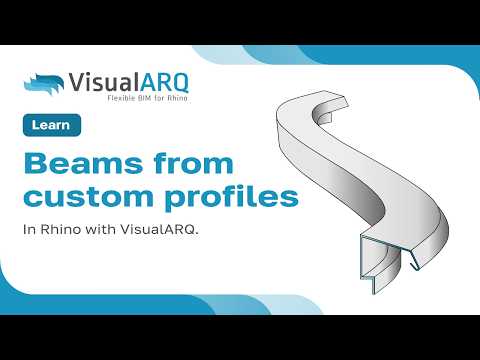

Video From YouTube: VisualARQ | BIM Software for Rhino
In this informative video, viewers will learn how to create beams in VisualARQ using custom profiles. The tutorial begins with an introduction to the software and progresses to the step-by-step process of creating a new profile. It covers the creation of a beam style and demonstrates how to insert a beam into the project. Additionally, the video explores modifying the custom profile for tailored architectural designs. VisualARQ, which enhances Rhino with flexible BIM capabilities, serves as the ideal platform for architects looking to streamline their workflow and improve design accuracy.
If you like this content please subscribe to the VisualARQ YouTube Channel

Browse ASUNI Products
Flexible BIM for Rhino
Also in Design News