
Your Cart is Empty


Create Accurate Z-Depth Passes in 3ds Max | Camera Z-Depth Pro

Video From YouTube: SiNi Software
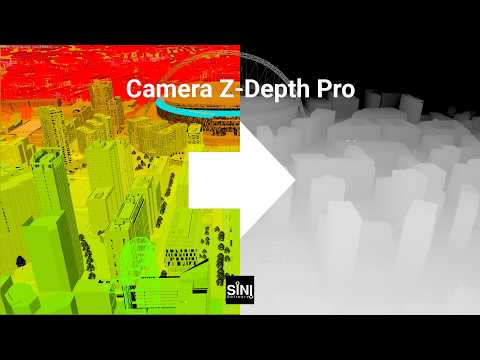
In this informative tutorial, viewers will learn how to produce precise camera-based Z-depth render passes using Autodesk 3ds Max and SiNi Camera Z-Depth Pro. The video showcases techniques for defining near and far depth ranges through scene objects, allowing for real-time previews in the viewport. Additionally, it covers the automatic generation of the correct Z-depth render element tailored for the active renderer. This powerful tool is particularly beneficial for enhancing atmospheric depth in compositing and applying depth-based color corrections, making it an essential resource for enhancing visual quality in 3D projects.
If you like this content please subscribe to the SiNi Software YouTube Channel

Browse SiNi Software Products
VFX Plugins
Also in Design News






