Your Cart is Empty


Close Open Polyline from Toolbar
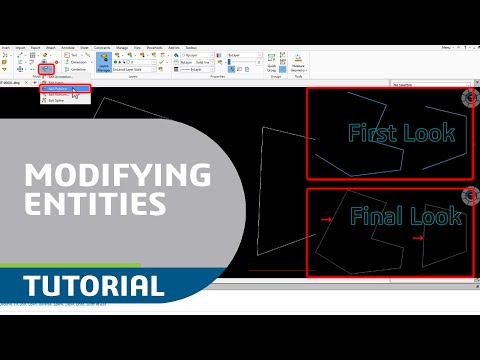

Video From YouTube: DraftSight
In this informative video from Dassault Systèmes, viewers will learn how to efficiently manage polylines in DraftSight using toolbar commands. The tutorial provides step-by-step guidance on utilizing the Edit Polyline command, selecting multiple entities, and applying modifications. Specific focus is given to the process of closing an open polyline, ensuring that users can easily complete their designs. Whether working on a single polyline or multiple selections, this video equips users with the essential skills needed to enhance their 2D CAD experience. Ideal for both beginners and experienced users, this resource simplifies the drafting process in DraftSight.
If you like this content please subscribe to the DraftSight YouTube Channel

More Info on DraftSight
World Class DWG Editor
Also in Design News