Your Cart is Empty


Clean drawings, happy users | BricsCAD V27 tutorial
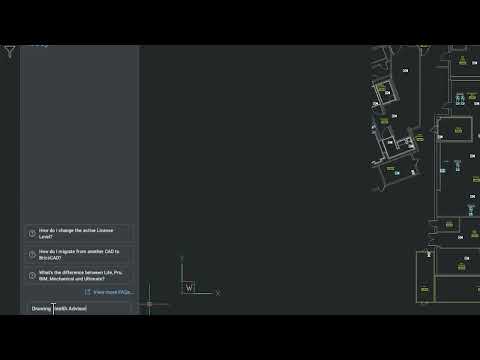

Video From YouTube: Octave BricsCAD
Graebert presents a concise BricsCAD V27 tutorial that shows how to produce cleaner drawings and happier users by improving drawing health and consistency. The video highlights enhanced control over drawing health checks to match project needs and workflows, especially for complex or iterative drawings. Viewers see step-by-step workflows for identifying and fixing common issues, enforcing standards, and streamlining iteration. Practical tips demonstrate how to reduce rework, speed reviews, and maintain reliable model data across teams. Ideal for CAD managers, drafters, and engineers seeking scalable quality controls that integrate into existing processes while preserving productivity and accelerating project delivery without compromise.
If you like this content please subscribe to the Bricsys YouTube Channel

Browse Bricsys Products
Professional, familiar DWG‐based 2D & 3D CAD
Also in Design News