Your Cart is Empty


Clean and Optimise Camera Shots in 3ds Max | Shot Clean-Up Pro

Video From YouTube: SiNi Software
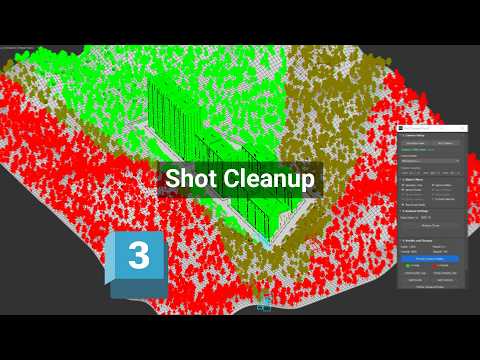
This tutorial by 2Shapes focuses on enhancing the efficiency of Autodesk 3ds Max scenes using SiNi Shot Clean-Up Pro. Viewers will learn how to identify, hide, or remove extraneous objects outside the camera view, resulting in cleaner and more manageable scenes. The video demonstrates techniques for analyzing scene visibility from both still and animated cameras, allowing for effective content removal before rendering or project handover. Particularly beneficial for optimizing heavy architectural visualizations, this tutorial equips users with the skills to prepare individual camera shots for rendering, ensuring a seamless workflow and improved project presentation.
If you like this content please subscribe to the SiNi Software YouTube Channel

Browse SiNi Software Products
VFX Plugins
Also in Design News