
Your Cart is Empty


BricsCAD's point cloud tools overview | Point Cloud Essentials | Lesson 3/23

Video From YouTube: Octave BricsCAD
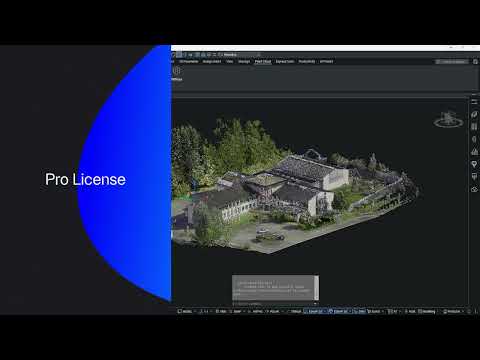
Graebert presents a concise lesson covering BricsCAD point cloud tools and license-specific workflows. The video clarifies differences between Pro and BIM toolsets, demonstrates ribbon organization, and explains management of point cloud properties. Viewers learn how visibility, color, transparency, layers, and insertion settings influence project results. License-dependent features are highlighted, with Pro users shown cropping, tracing, classification, and fitting tools while BIM workflows emphasize integrated model alignment and documentation. Practical examples illustrate efficient workflows and setting adjustments to streamline modeling from scans. Ideal for professionals evaluating tool availability and optimizing point cloud processing within their BricsCAD license for design and construction.
If you like this content please subscribe to the Bricsys YouTube Channel

Browse Bricsys Products
Professional, familiar DWG‐based 2D & 3D CAD
Also in Design News






