
Your Cart is Empty


Animating mechanical assemblies | BricsCAD Mechanical Essentials | Lesson 10/19
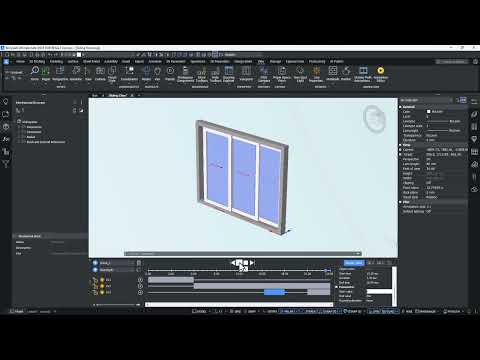

Video From YouTube: Octave BricsCAD
Graebert presents a focused tutorial on creating multi-parameter animations and dynamic camera movements within BricsCAD Mechanical. The lesson introduces the Animation Editor and demonstrates building animation schedules using design parameters, exploded views, and camera paths. Viewers learn to add parameters to timelines, create and configure animation sequences, synchronize multiple parameter-driven motions, and preview complex assembly behavior. The workflow covers animating exploded views inserted in model space and orchestrating camera paths for professional presentation. Clear procedural steps enable efficient simulation of mechanical assemblies, improving design communication and validation through realistic motion and coordinated sequence control for faster review and stakeholder alignment.
If you like this content please subscribe to the Bricsys YouTube Channel

Browse Bricsys Products
Professional, familiar DWG‐based 2D & 3D CAD
Also in Design News






